Skip to main content Skip to main content Windows Experience Devices Windows Developer Microsoft Edge Windows Insider Microsoft 365 Microsoft 365 Azure Copilot Windows Surface XBOX Deals Small Business Support Windows Apps Outlook OneDrive Microsoft Teams OneNote Microsoft Edge Moving from Skype to Teams Computers Shop XBOX Accessories VR & mixed reality Certified Refurbished Trade-in for cash XBOX Game Pass Ultimate PC Game Pass XBOX games PC games Microsoft AI Microsoft Security Dynamics 365 Microsoft 365 for business Microsoft Power Platform Windows 365 Small Business Digital Sovereignty Azure Microsoft Developer Microsoft Learn Support for AI marketplace apps Microsoft Tech Community Microsoft Marketplace Software companies Visual Studio Microsoft Rewards Free downloads & security Education Gift cards Licensing Unlocked stories View Sitemap

Thoughts from Rare on designing Sea of Thieves
Written By published August 16, 2016


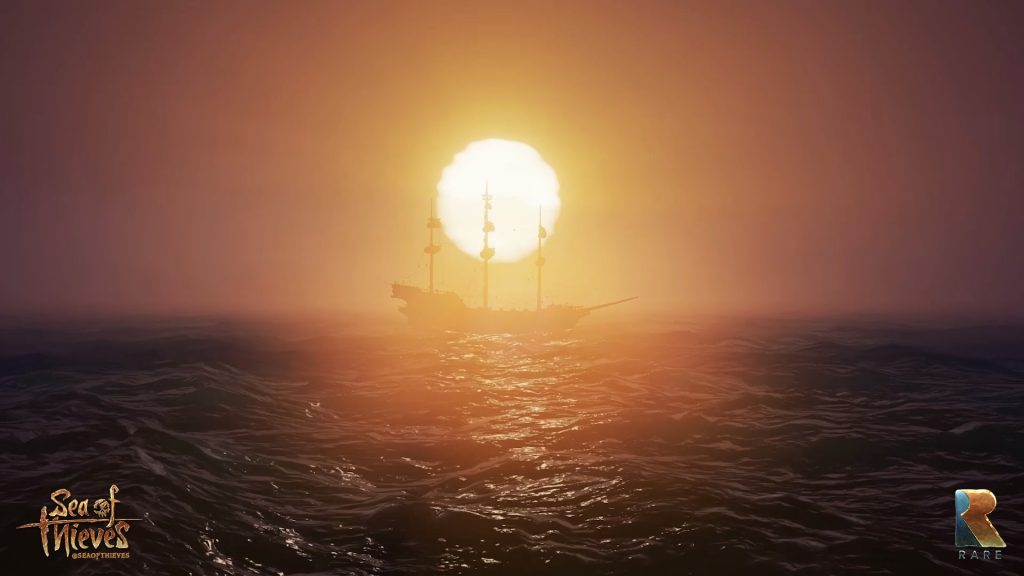
Today over at Xbox Wire, Rare shared their thoughts on designing Sea of Thieves for Windows 10 and Xbox One. Since it’s a shared world adventure game, Sea of Thieves immediately feels right at home on the PC. When you combine it with a world full of 24/7, player-driven stories, it’s a great opportunity to create an experience catered for the needs of each platform.

Sea of Thieves for Xbox One and Windows 10

Your hardware choice shouldn’t be a barrier. The team made some great decisions early on in development to adopt Unreal Engine 4, which natively supports the PC, and to develop the Windows 10 version of Sea of Thieves in parallel with the Xbox One version. With Xbox Play Anywhere, fans have the freedom to play their games wherever they want. When you own a digital copy of Sea of Thieves, it’s yours to play on both Xbox One and Windows 10.

Sea of Thieves on Windows 10 allowed the team to bring Sea of Thieves to as many gamers as possible, including those who have never experienced a Rare game before. Head over to Xbox Wire to read more about designing the game!

Your Privacy Choices Opt-Out Icon Your Privacy Choices
Consumer Health Privacy Sitemap Contact Microsoft Privacy Manage cookies Terms of use Trademarks Safety & eco Recycling About our ads