

Spotify for Windows 10 available now in the Windows Store
Beginning today you can download the Spotify app for Windows 10 right from the Windows Store.

Spotify for Windows 10 is now available to download in the Windows Store.
We’re excited to announce that Spotify for Windows 10 is now available to download in the Windows Store*. We first announced our partnership with Spotify in early May and are thrilled to bring the Spotify app to Windows 10 and Windows 10 S customers following on the heels of the release of Surface Laptop and Windows 10 S last week. The Spotify app is available today in all 60 countries where Spotify is available and offers the same familiar experiences as the Win32 application**.
With Spotify on Windows 10, you can enjoy, discover and share millions of songs wherever and whenever you want. Make and share your own playlists, or let Spotify suggest something great for you. Listen for free or subscribe to Premium for higher quality listening and to take your music offline
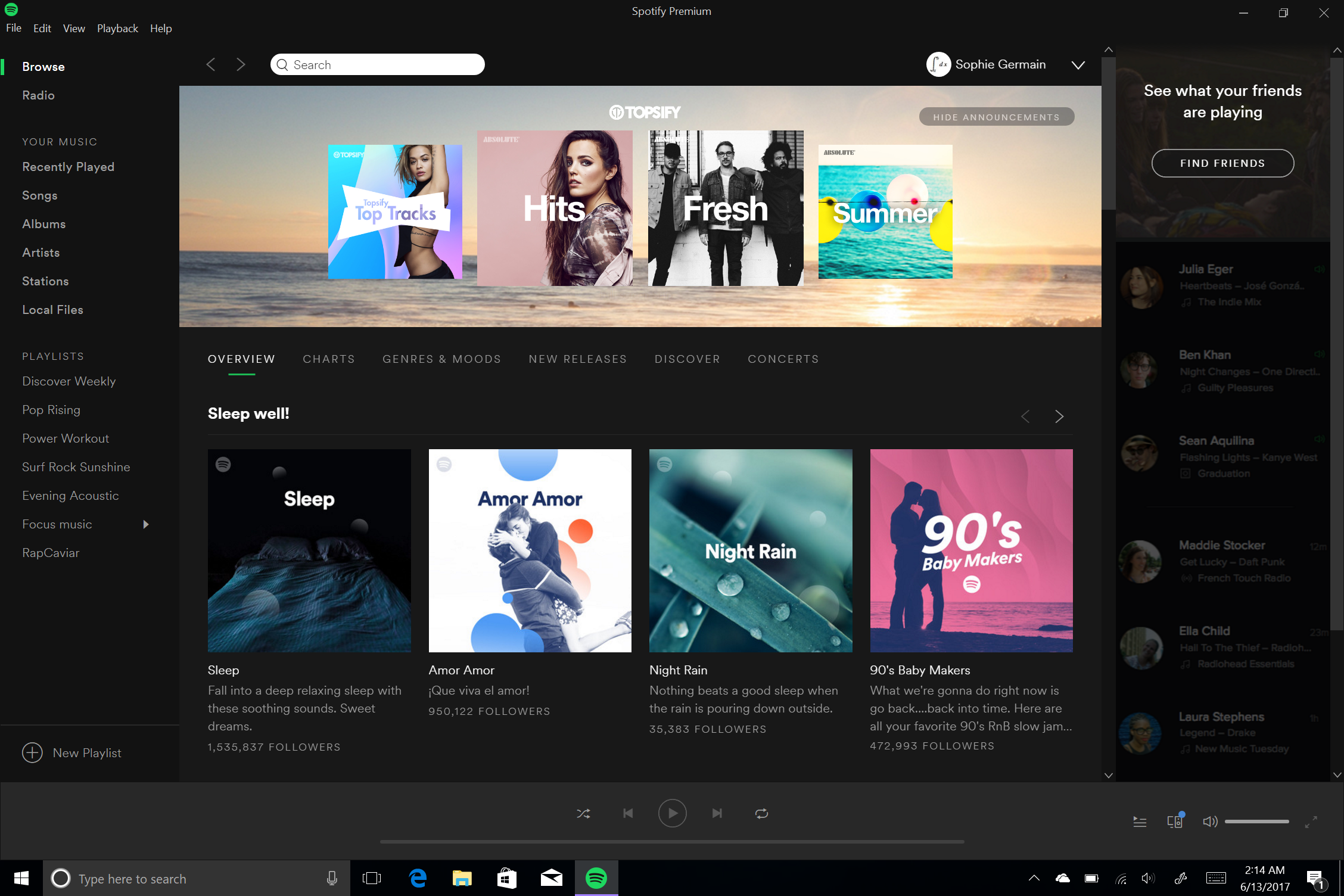
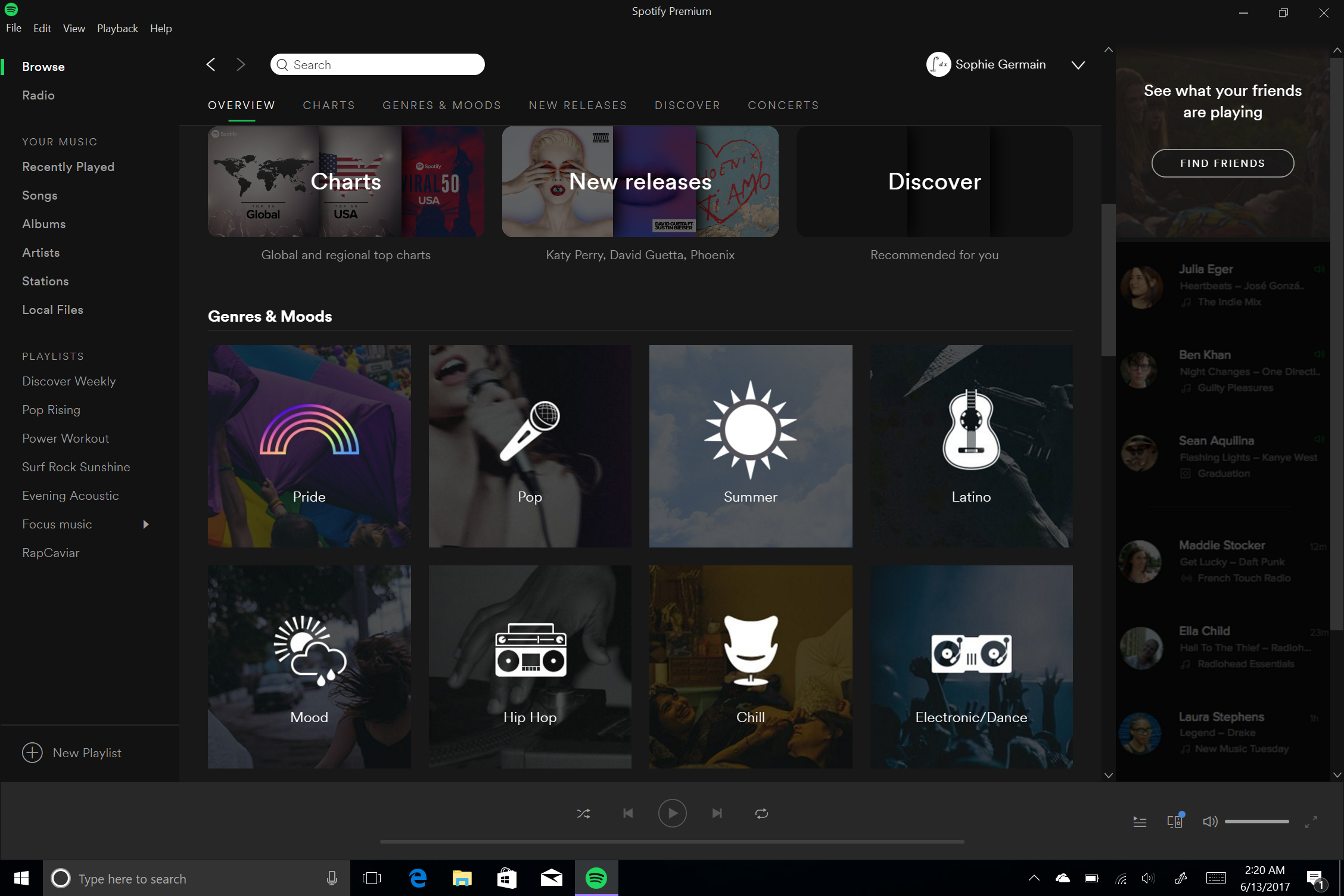

We’re proud to partner with Spotify to make it easy for customers to enjoy music however and wherever they want. Get started with the Spotify app for Windows 10 by downloading it today from the Windows Store. You can also learn more about today’s exciting news over on the Spotify Blog.
*Available on Windows 10 PCs and tablets. To download this app, your PC or tablet must be running the Windows 10 Anniversary Update or greater. If you’re not sure which version of Windows your PC is running visit this link. To learn how to get the Windows 10 Anniversary Update click here.
**The Spotify app for Windows 10 is available in the following markets, Andorra, Argentina, Austria, Australia, Belgium, Bolivia, Brazil, Bulgaria, Canada, Chile, Colombia, Costa Rica, Cyprus, Czech Republic, Denmark, Dominican Republic, Ecuador, El Salvador, Estonia, Finland, France, Germany, Greece, Guatemala, Honduras, Hong Kong, Hungary, Iceland, Indonesia, Ireland, Italy, Japan, Latvia, Liechtenstein, Lithuania, Luxembourg, Malaysia, Malta, Mexico, Monaco, New Zealand, Netherlands, Nicaragua, Norway, Panama, Paraguay, Peru, Philippines, Poland, Portugal, Singapore, Slovakia, Spain, Sweden, Switzerland, Taiwan, Turkey, Uruguay, the United Kingdom, and the United States.