

Nokia Asha 230 and Asha Motion app
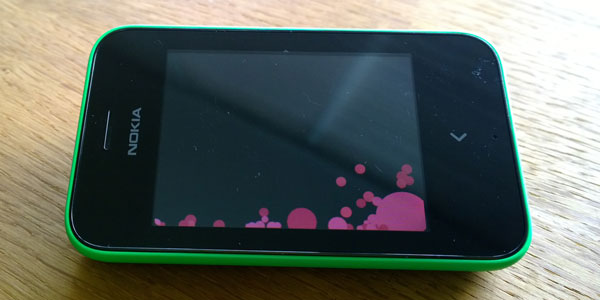
Priced at around €45 / $59 USD, the Nokia Asha 230 is the most affordable Asha touch phone yet. It even comes bundled with games and apps aplenty. One such app is the Asha Motion app.
The Nokia Asha Motion app doesn’t promise to lighten your workload, nor does it demand hours of your time. But what it does offer is a fun, yet simple, way to pass a few minutes of your day. You can see the Nokia Asha Motion app in action at the beginning of this video:
[rpsb_youtube]mJMm0t-C7Wg[/rpsb_youtube]
Nokia Asha Motion app is split into five categories: Space, Explode, Flow, Popcorn, and Gravity. Each one offers a slightly different creative experience.
Depending on which option you select, you’ll be greeted with coloured spots, stripes, squares or triangles. All of which can be interacted with.
The interactions take place by either using your finger to click or drag the shapes on the screen, or by shaking or spinning the Asha 230.
Of course, each different action invokes a different response from the shape. A gentle shake will change the colours on the screen, or a tilt of the phone will see the item fall to one side.
Double tapping on the screen will take a snapshot of what you’ve created and that image can be set on your lock screen.
If you are particularly impressed with your unique new lock screen image, there’s also the option to share it with your friends using Slam, SMS, email orthe usual social network options.
Have you played with the Nokia Asha Motion app on the Nokia Asha 230 yet? What do you think of it?