

Which Lumia is for you? Use our handy guide
Whether you’re buying your first Lumia smartphone (the Lumia 435 and Lumia 532 are great choices, but so is the Lumia 530) or upgrading your Lumia, here’s how to make an informed choice.
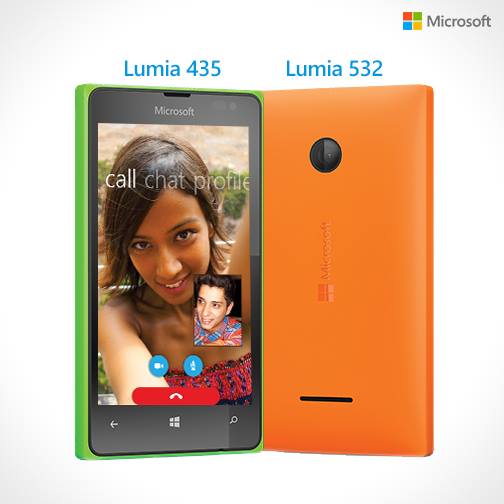
With a range of feature-rich Lumia smartphones available at all price points, there’s a Lumia for everyone. During the holiday season, we helped you to identify the perfect Lumia for your loved ones with our gift guide.
If you’d like even more assistance in deciding the right Lumia, look no further. This section here will help you decide. In addition, below are the steps to match you with the Lumia you’re meant to have.
Before you begin your hunt, flesh out your requirements. Do you want a dual-SIM Lumia? Do you want a Lumia with wireless charging? Do you want GPS navigation, 4G LTE and other premium features?
Head over to “Filters” and select the features you want.
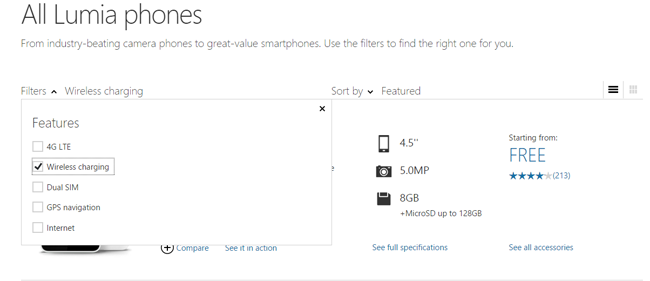
For instance, I love to watch movies on my Lumia 1020 and its 32 GB of memory provides ample storage to have loads of movies stored. However, if you are an Instagram junkie, choose the camera option and compare the Lumia 1020, Lumia 930 or Lumia 830.
For the book-lover in you, you can select a Lumia according to the screen size, such as the Lumia 1520 and Lumia 1320 (both with six-inch displays) or the Lumia 930 (five-inch display).
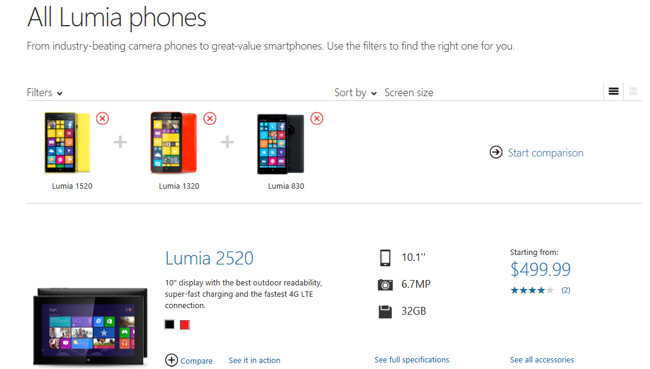
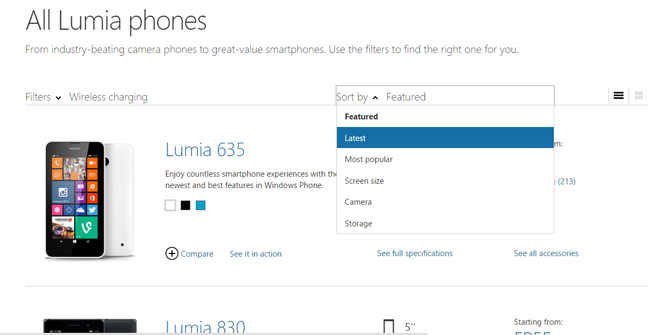
Next, further narrow your search by using the “sort by” feature to better filter the choices, such as featured, latest or most popular. Once you’re done, tap the “compare” button. You can compare up to three phones in one go.
After this step, you will be greeted with a window asking you to “start comparison.” Select OK and you will see some features such as camera, screen size, storage etc. and other detailed specifications.
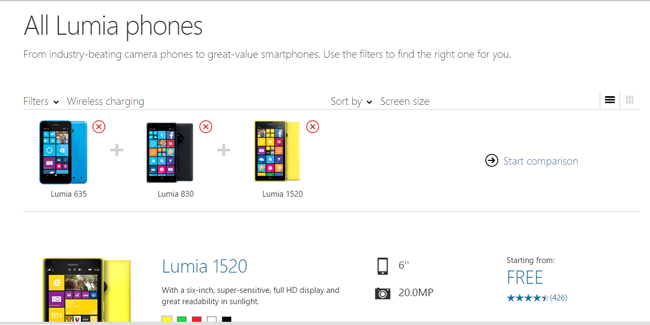
This is what the screen will look like once you get the results.
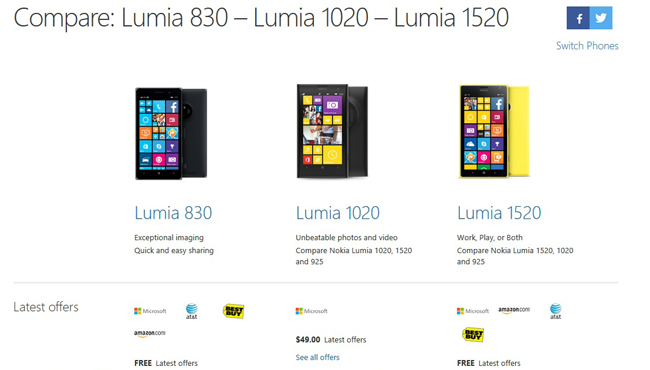
You can also see a video of your preferred Lumia by clicking the “see it in action” option.
Have you made use of this guide before? Let us know which Lumia you bought after doing a comparison.