

New Microsoft Garage apps for the executive on the go
How we wish there were more than 24 hours in a day! Until that happens, here are the latest productivity apps from Microsoft Garage to increase your efficiency.
Capture a meeting’s most important points, store your expenses and start conference calls with just one click with these free Windows Phone apps.
Join Conference (free)
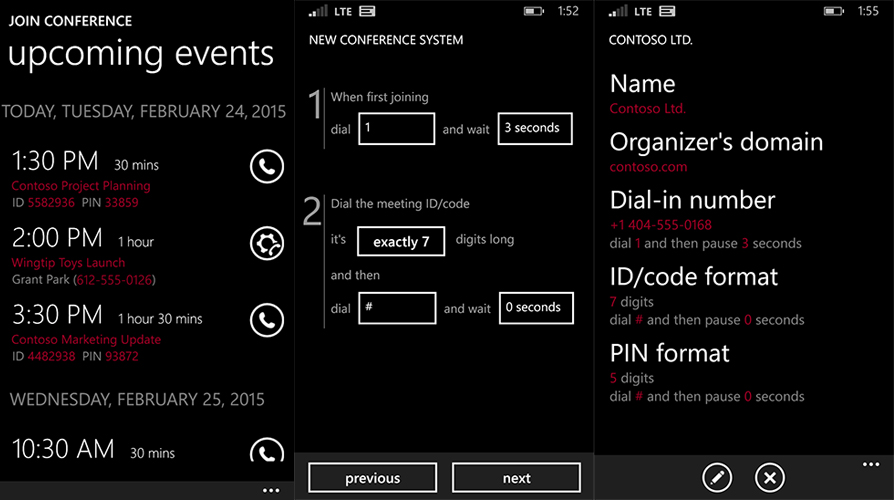
Say goodbye to searching your email or calendar entries to find out the PIN or access codes for your conference calls. This app works with all conference systems and automatically figures out your ongoing meetings and upcoming appointments.
What’s more, you can also ask Cortana to log you in by speaking “join my conference.”
InstaNote (free)
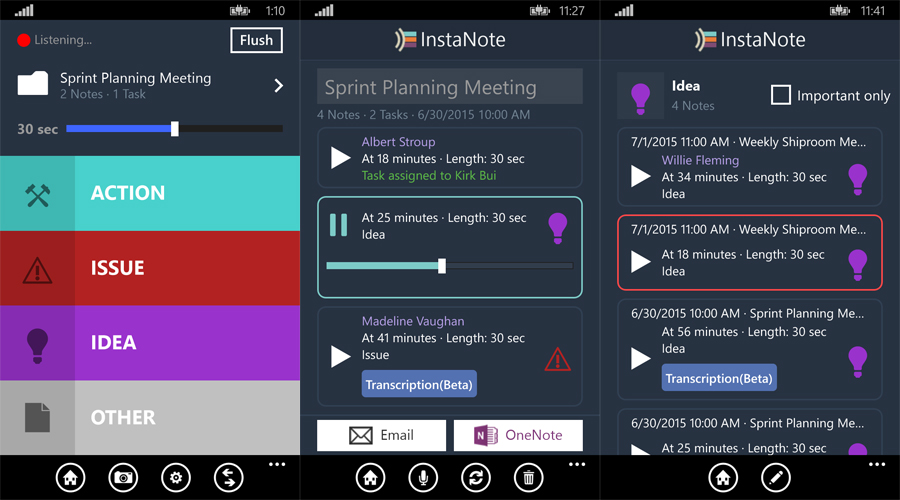
Do you struggle to write down crucial points in meetings? Instead of asking a speaker to repeat himself, let InstaNote help you. The apps records the last 30 seconds or up to one minute of audio, which can then be saved under the speaker’s name. You can also categorize your notes under categories such as “idea,” “action,” “issue” and more.
Receipt Tracker (free)
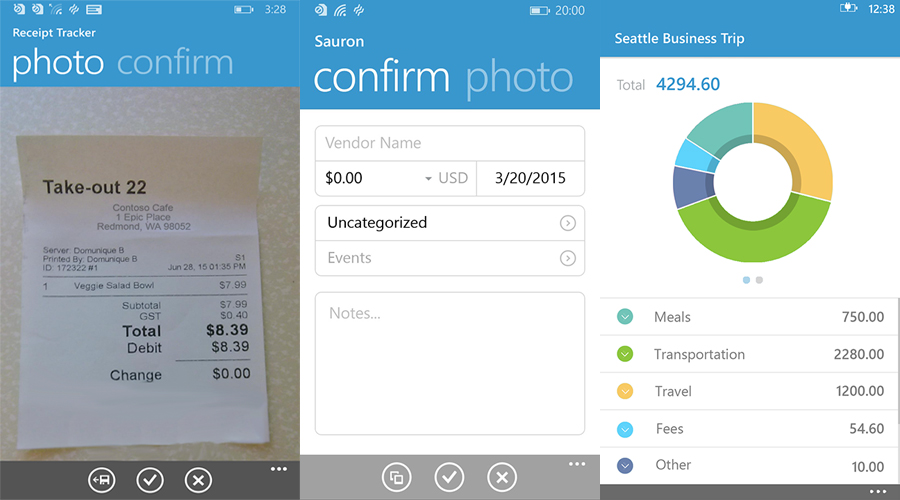
With Receipt Tracker, you will never lose your receipts again. The app automatically extracts information from your receipts via Optical Character Recognition (OCR). What’s more, you can categorize your expenses under various headings such as “personal” or “business” and email them or save in your OneNote.
Have you used these apps before? Which apps do you use to increase your productivity?