

Write now: Take part in a student-writing contest
If you’re a student, unleash your inner wordsmith in this contest that ends on July 31—you may just win a Universal Foldable Keyboard.
Since its inception in 1990, Microsoft Office has helped students write term papers via Microsoft Word, prepare PowerPoint presentations, and crunch numbers on Microsoft Excel.
Now, the Microsoft PC Accessories team is hosting a student-writing contest: In 300 words or fewer tell us how you use technology to be creative both inside and outside the classroom.
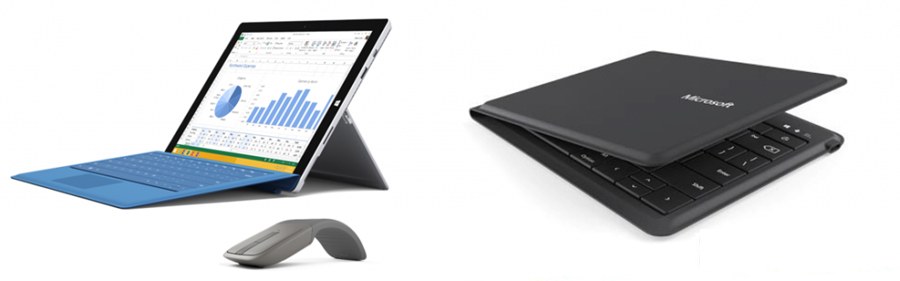
Ten winners will receive Universal Foldable Keyboards and the grand prize winner will win a Microsoft Surface Pro 3 with a Surface Pro Type Cover and an Arc Touch Bluetooth Mouse.
If you’re interested in this contest, don’t wait: Submissions are only accepted through July 31. You must be a student to be eligible to enter and the submission must be written in a Word document or with Sway.
To submit your essay, write it in a Word document or with Sway, and email it to [email protected]. In the subject line, type “WRITE NOW.” In addition, you must include your full name, your school name, and your email address in the body of the email.
For official rules and to get more information on the contest, head to this Office Blogs post.
How do you use technology to #achievemore?