Going the distance: The long-lasting power of Lumia 950 and Lumia 950 XL
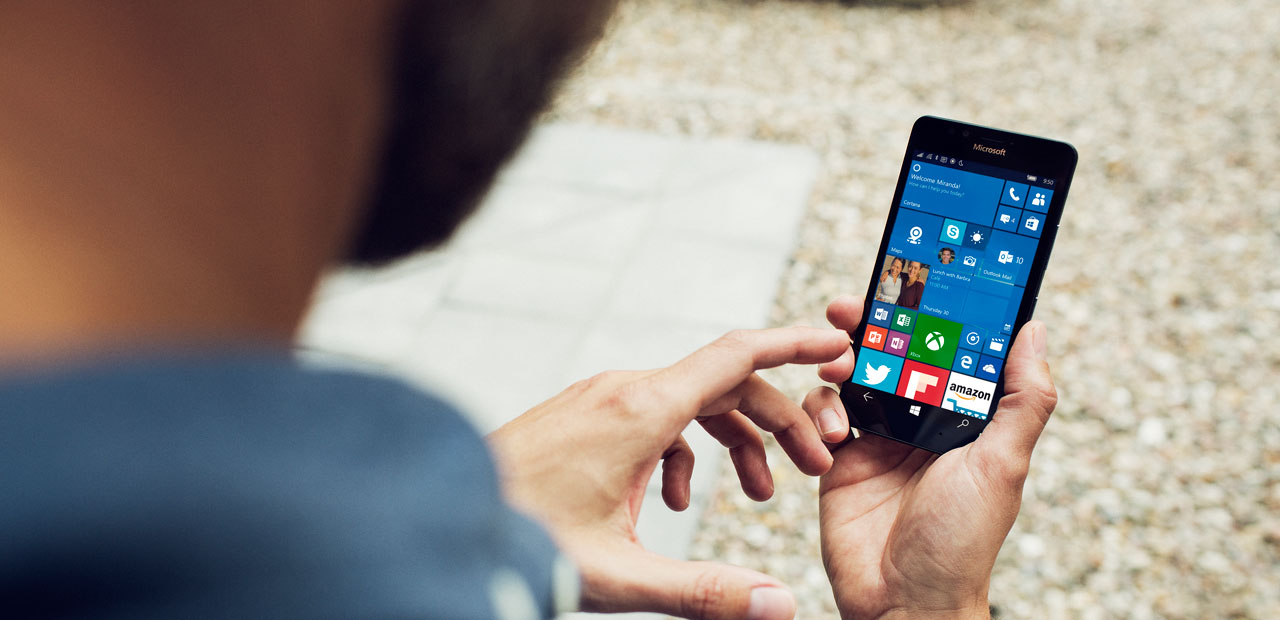
Demanding people require demanding smartphones. The battery and various quick-charging solutions for the Windows 10-powered Microsoft Lumia 950 and Lumia 950 XL means your phone can keep up with you to help you #DoGreatThings.
Large battery capacity
Both the Lumia 950 and Lumia 950 XL are equipped with large batteries: 3000 mAh for the 950 and 3340 mAh for the 950 XL. That gives you up to 19 hours of talk time (3G) and up to 300 hours of stand-by time.*
While the battery is big enough to help get you through the day, let’s look at the charging options for your new Lumia to make sure you’ve got enough juice for the train journey home after work.
Fast charging
The Lumia 950 and Lumia 950 XL come with the USB-C connector, supporting the USB 3.1 standard. The advantages: fast data transfer speed (up-to 5Gbps), fast charging speed, and you no longer need to plug in the cable the right way round–it’s reversible!
Ultimately, it means your Lumia 950 and Lumia 950 XL can charge from critically low to up 50 percent capacity with 30 minutes of charging**.
Charge while working on a big screen
If you’re looking for top-end performance, take advantage of Continuum ***. With Continuum, you can hook up your Lumia 950 or Lumia 950 XL to a mouse, keyboard, and larger screen (such as a PC monitor) for a PC-like experience via the Microsoft Display Dock.
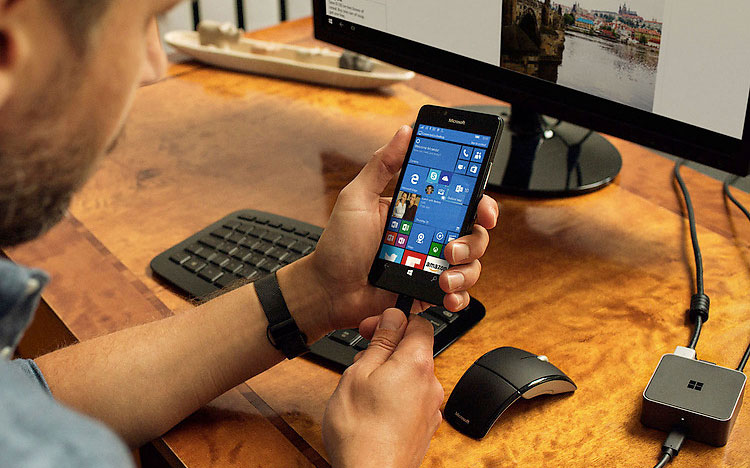
Simply connect your Lumia to the Microsoft Display Dock to use your phone like a PC. Built-in apps like Office and Outlook automatically scale up to the big screen helping you get more done. And while connected to the Display Dock, your phone charges.
Wireless charging
If you prefer a wireless-charging experience, the Microsoft Wireless Charger DT-904 (accessory sold separately) is the answer. All you need to do is place your Lumia 950 and Lumia 950 XL on top of the charger and, as if by magic, your smartphone will start to charge.
Stay as productive for as long as possible using the Lumia 950 and Lumia 950 XL.
* Actual results may vary based on network conditions, settings, usage and temperature.
** USB-C Fast Charging applies when charging from 10 percent capacity (battery critically low) with the Microsoft USB-C Fast Charger (included). Actual results will vary based on usage.
*** App experience may vary. Office 365 subscription required for some Office features. External display with DisplayPort, HDMI connector or compatible adapter required. See www.microsoft.com/mobile/support for compatibility information. Microsoft Display Dock, accessories and some apps and content sold separately.