HoloLens Development Edition Updates
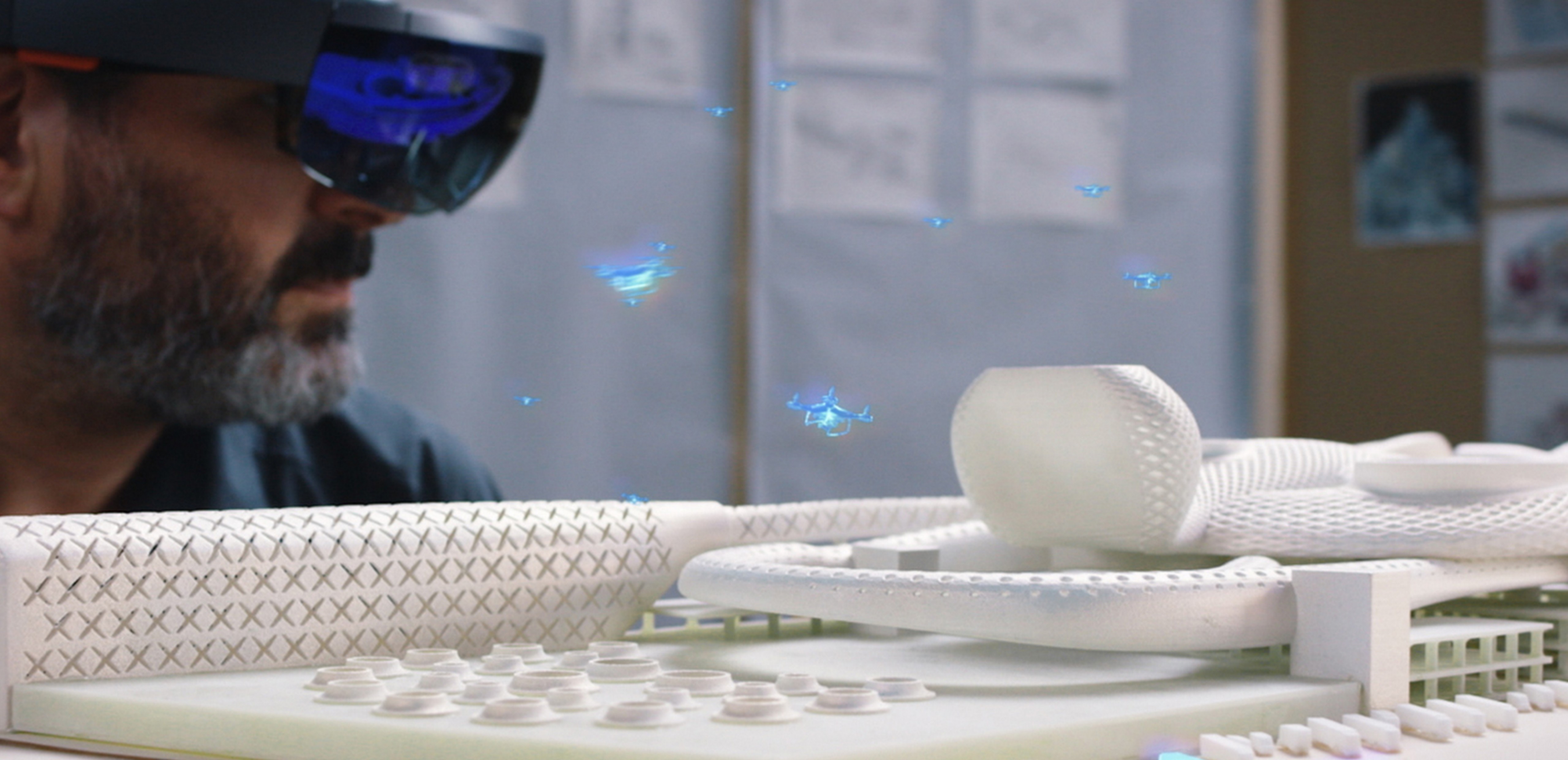
It has only been two months since we shipped the first Microsoft HoloLens. Every day, we are inspired to see what developers are doing with the device – from improving tasks like ordering dinner, to assisting pathfinding, to reinventing shopping. We are also happy to say that, we have begun to ship devices to developers from our second wave of applicants.
https://www.youtube.com/watch?v=XM5OHHrOGqQ&feature=youtu.be
Today marks another special moment in our holographic journey. I’m elated to announce our very first major software update for Windows Holographic! Since our launch, we have been listening to your feedback. Many of the updates are things you have been asking us for.
Some highlights:
- Multi-tasking – With this update, you can run multiple applications at the same time.
- Input – You can now connect a regular Bluetooth mouse to your HoloLens device. In addition, the clicker has been fine-tuned to enable resizing and moving of holograms.
- Voice – We’ve added new commands. Find out what happens when you gaze at a hologram and say “Face me!”
- Edge – Edge now supports many of your feature requests such as tabs.
- Photos – The Photos app has been updated to support pinning of pictures without any borders or chrome. Your walls will never look the same.
This is just the beginning. Check out our documentation page for the full list of things we’ve been working on to make HoloLens even better for you.
Keep the feedback coming! We love it, and if you ever have any questions, feel free to reach out to me on twitter @akipman. I’m excited to build this future together with you!!
Alex Kipman