Just last week, more than 5000 people attended the very first online PWA Summit, and learned about topics such as bringing PWAs to app stores, new web capabilities, accessibility, offline authentication and much more. If you missed out on the event, you can watch the full recording here.
With all these new features and capabilities, PWAs are lowering the barriers (and development cost) to building and delivering high quality software.
Even better, PWAs on Windows are fully-integrated in the operating system: users can discover and install them securely on the Microsoft Store and manage them just like any other app on Windows. Plus, new features and APIs are added all the time. You can check our What’s New announcements to stay up to date with the latest, including the new apps page in Microsoft Edge 96.
Today, we’re happy to announce the complete overhaul of our PWA documentation on the Microsoft Edge docs website. It’s now easier than ever to get started with PWAs and discover new features.
Among other things, you can now learn about how to handle files, URLs, and protocols, display content in the title bar, define app shortcuts, and synchronize in the background.
And for people getting started, we have documentation about creating a PWA, adding a Web App Manifest, and authoring a Service Worker. We’ve also added a list of demo apps, with links to their source code, to help you learn more about how to use different features.
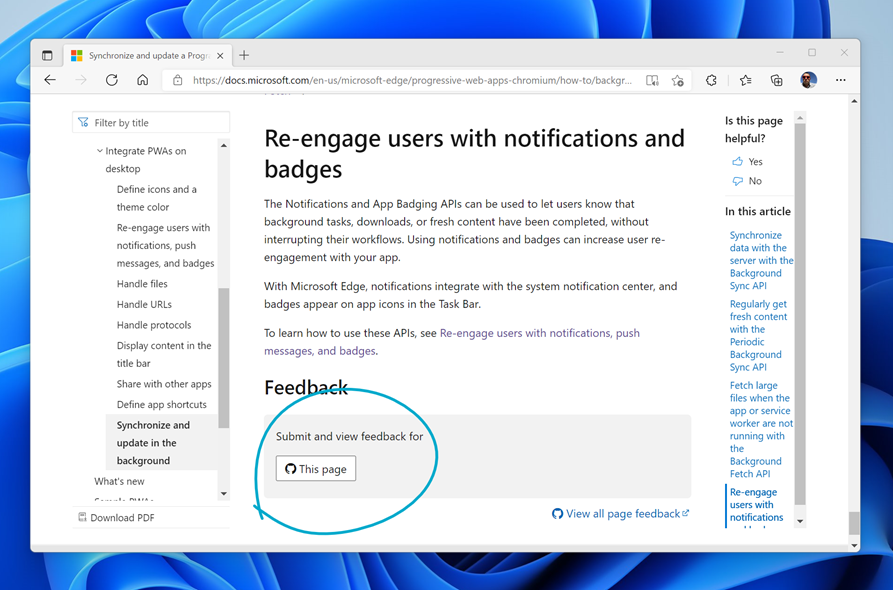
We hope this new documentation is helpful to you and, as always, if you have any feedback about it, please reach out by using the feedback button at the bottom of each documentation page (as shown below).
– Patrick Brosset, Senior Program Manager, Microsoft Edge