

Update for Copilot on Windows begins rolling out to Windows Insiders with new features and improvements
Hello Windows Insiders, we are beginning to roll out an update for the Microsoft Copilot app on Windows via the Microsoft Store which introduces the following changes and improvements:
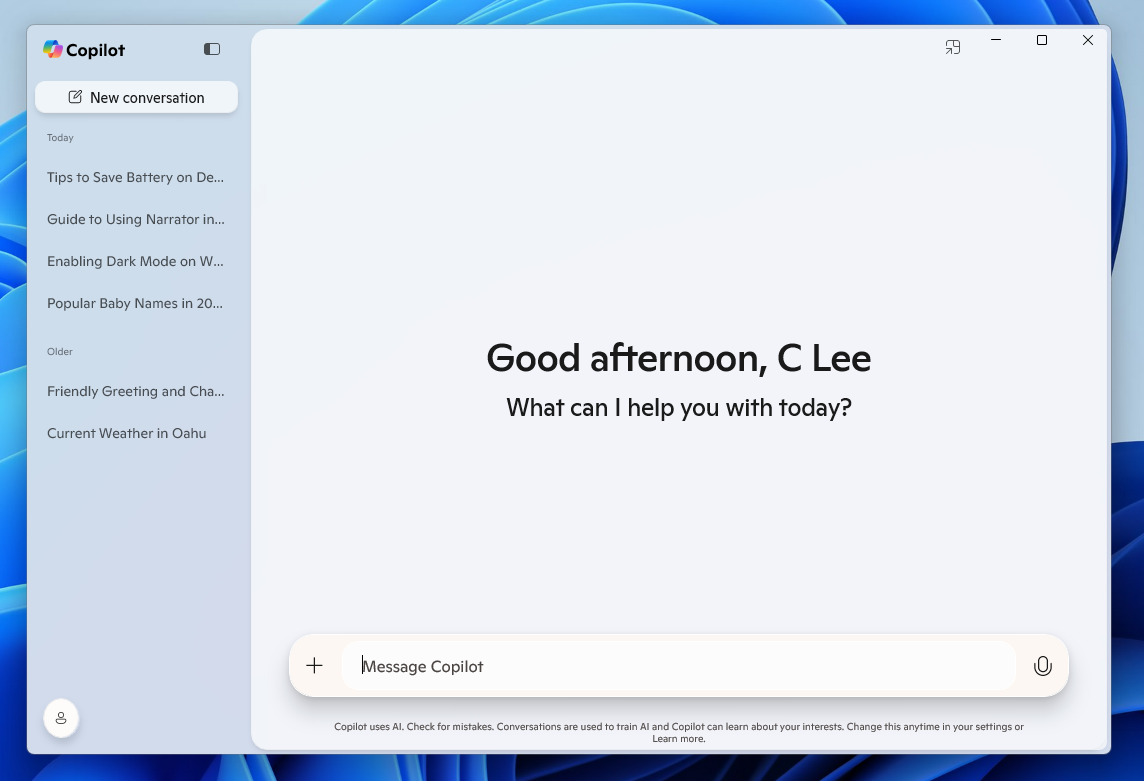
- Native XAML app and new UI: Includes a new side panel where you can easily start a new conversation and see your conversation history.
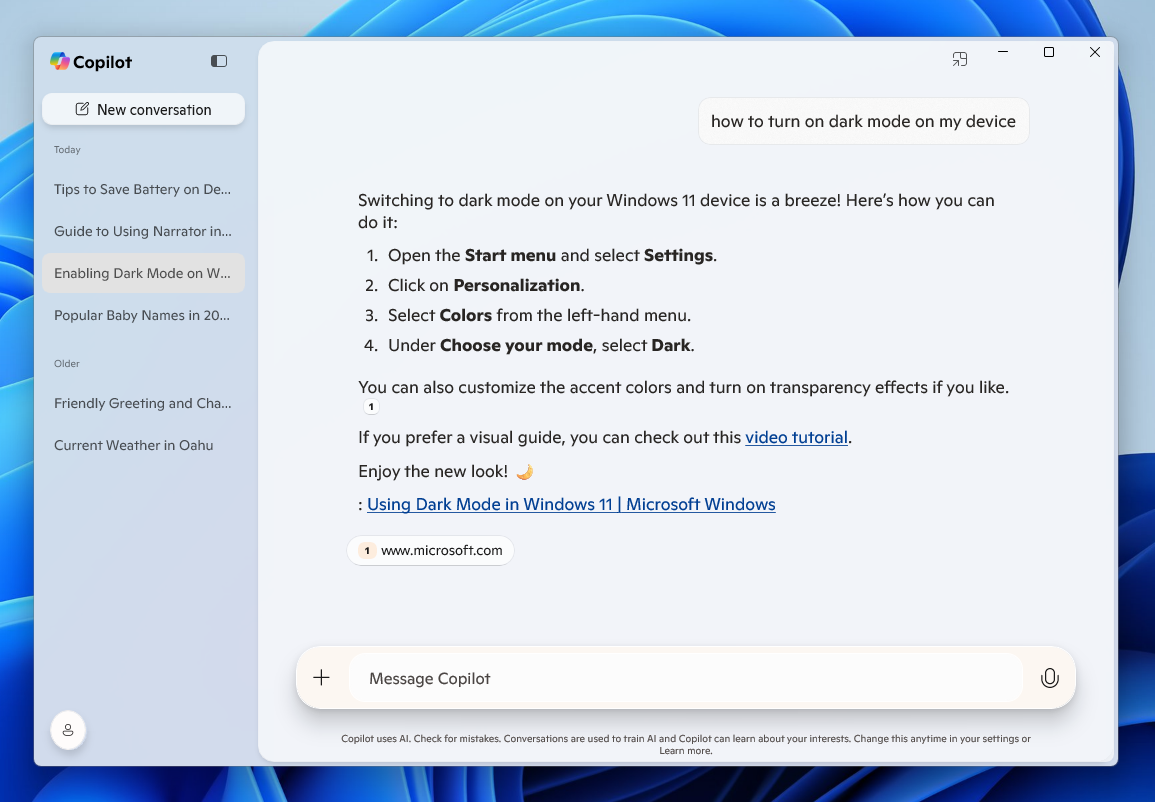
- Ask questions about your PC, like “How do I set up a Bluetooth headset on this device?” and Copilot provides information tailored to your current version of Windows.
As a reminder, you can get quick access to the Copilot app using the Alt + Space hotkey across all PCs and the Copilot Key for those using a Copilot+ PC.
This Copilot app update (version 1.25023.101.0 and higher) is beginning to roll out across all Insider Channels via the Microsoft Store. This is a gradual roll out so not all Insiders will get the update right away. We are excited to be previewing improvements with our Insiders to ensure all our customers have a great Copilot experience for Windows.
FEEDBACK: Please file feedback in Feedback Hub (WIN + F) under Apps > Copilot or directly within the Copilot app by clicking on your profile icon and choosing “Give feedback”.
Thanks,
Windows Insider Program Team