

Copilot on Windows: Press to talk begins rolling out to Windows Insiders
Hello Windows Insiders, we are beginning to roll out an update for the Microsoft Copilot app on Windows via the Microsoft Store which introduces the following changes and improvements:
Press to talk: Allows you to interact with Copilot using your voice by using a hotkey, providing instant responses while staying in your current workflow and continuing tasks without interruption. To start a voice conversation with Copilot, hold the Alt + Spacebar for 2 seconds on your PC. To end your conversation, press the Esc key. If there is no speaking for several seconds Copilot will automatically end the conversation. When the conversation is over the microphone on the screen will disappear.
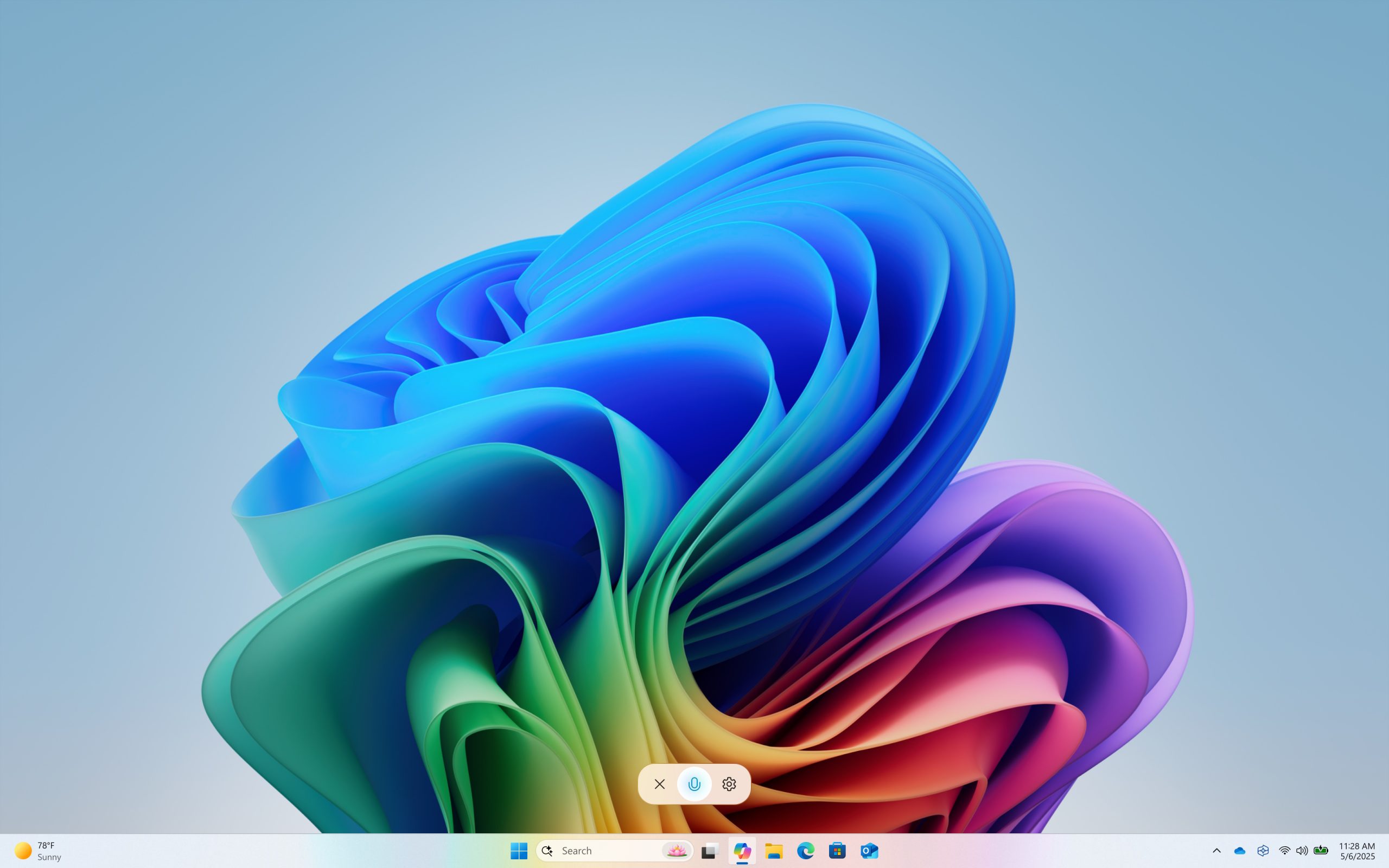
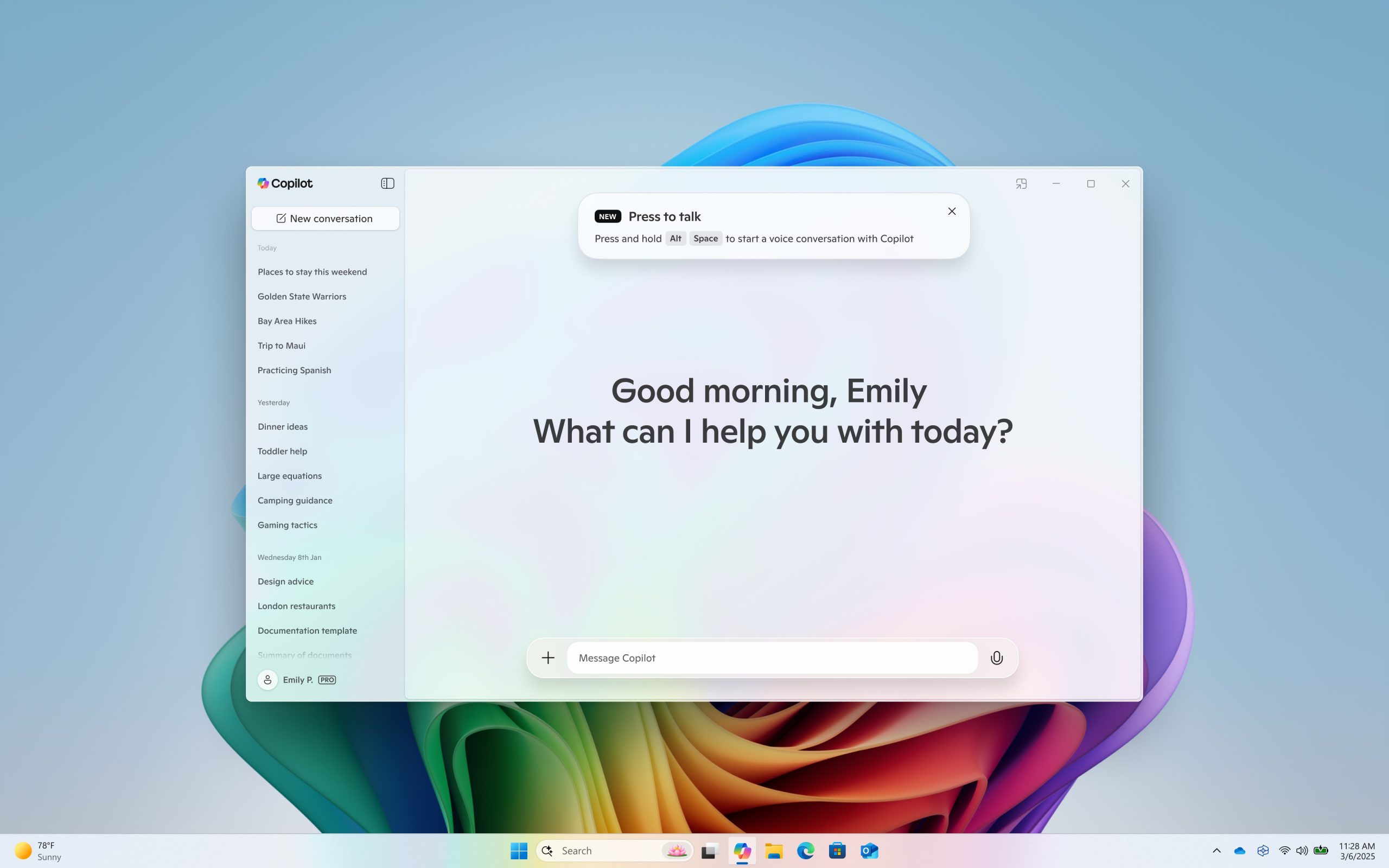
This Copilot app update (version 1.25024.100.0 and higher) is beginning to roll out across all Insider Channels via the Microsoft Store. The above-mentioned features are gradually rolling out so not all Insiders will get the update right away. We are excited to be previewing improvements with our Insiders to ensure all our customers have a great Copilot experience for Windows.
FEEDBACK: Please file feedback in Feedback Hub (WIN + F) under Apps > Copilot or directly within the Copilot app by clicking on your profile icon and choosing “Give feedback”.
Thanks,
Windows Insider Program Team