

Announcing new builds for 8 September 2026
Hello Windows Insiders,
Today, we’re releasing new Windows 11 Insider Preview builds to the Beta and Experimental channels.
New builds this week
Select your channel below to view its release notes:
- Beta: Build 26620.9343
- Experimental: Build 26340.9354
For those on other specific Windows build versions, here are today’s new builds and release notes:
- Beta (26H1): Build 28020.2904
- Experimental (26H1): Build 28120.2912
- Experimental (Future Platforms): Build 29661.1000
Notable new features:
[Cross-device resume improvements]
Release channel: Experimental
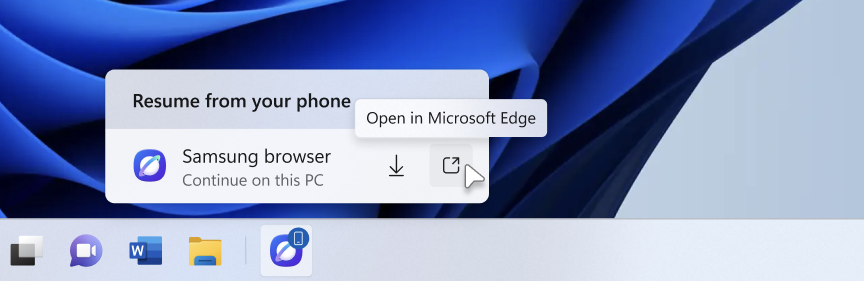
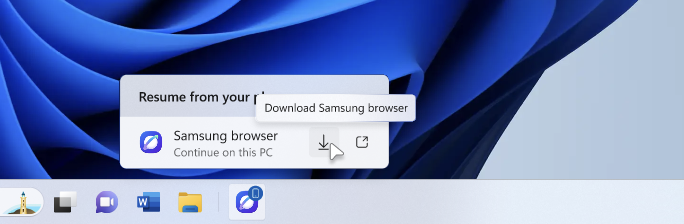
We’re making it easier to continue where you left off on your PC. When you resume a webpage from your phone and the phone’s browser isn’t installed on your PC, the Resume hovercard now gives you two options: open the page directly in your PC’s default browser or install the phone’s browser for a native experience. This update helps you continue your work immediately without requiring an app installation first.
[Narrator]
Release channel: Experimental
Read and explore math equations with Narrator
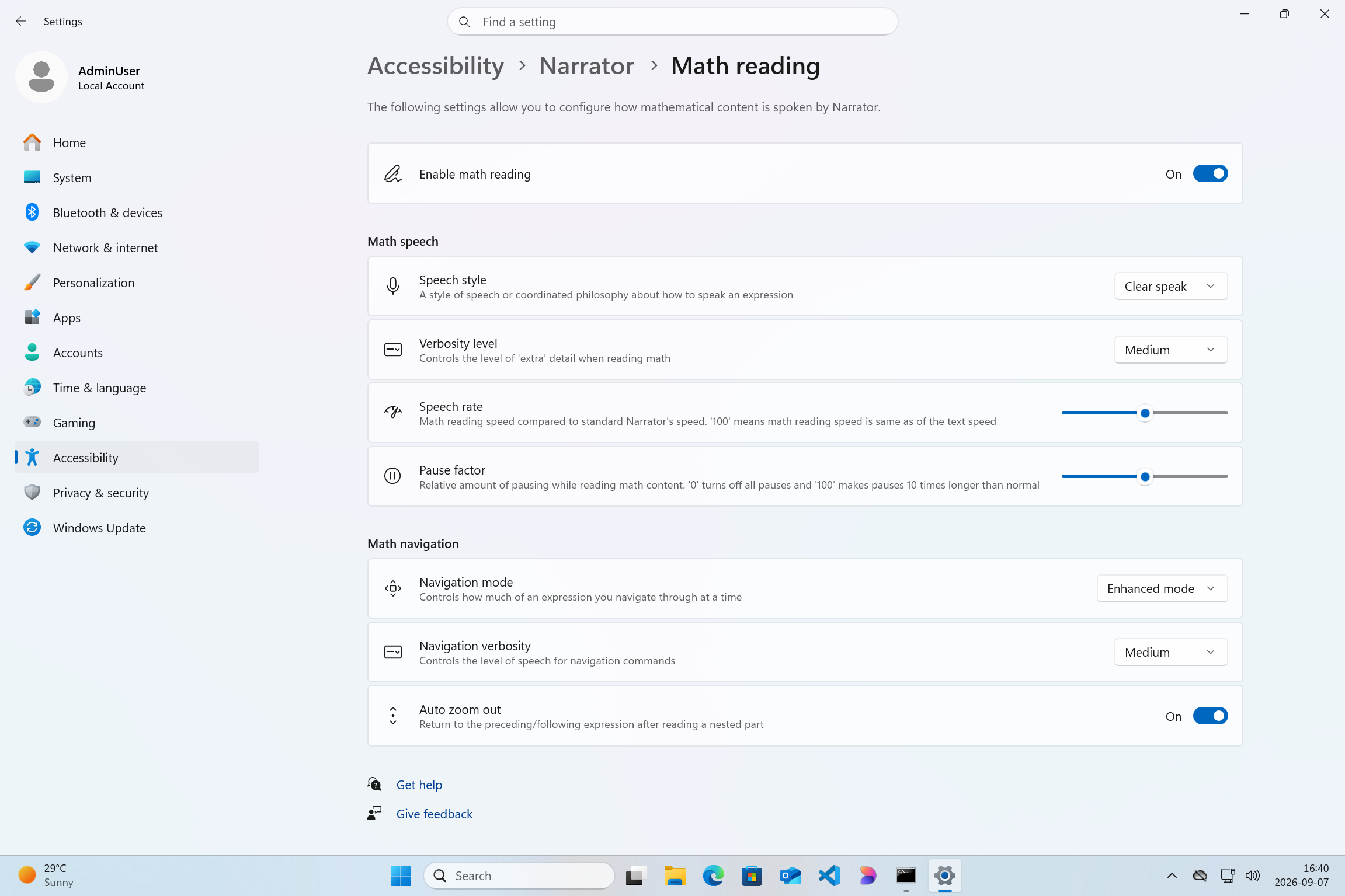
We are adding math reading and navigation support in Narrator, bringing clearer and more natural math experiences to users who are blind or have low vision. Math is at the heart of STEM education and learning, and this update helps students and professionals independently read, understand, and explore equations, formulas, and scientific notations with confidence. Read more in release notes link above.
[Magnifier]
Release channel: Experimental
Magnifier now understands each of your displays
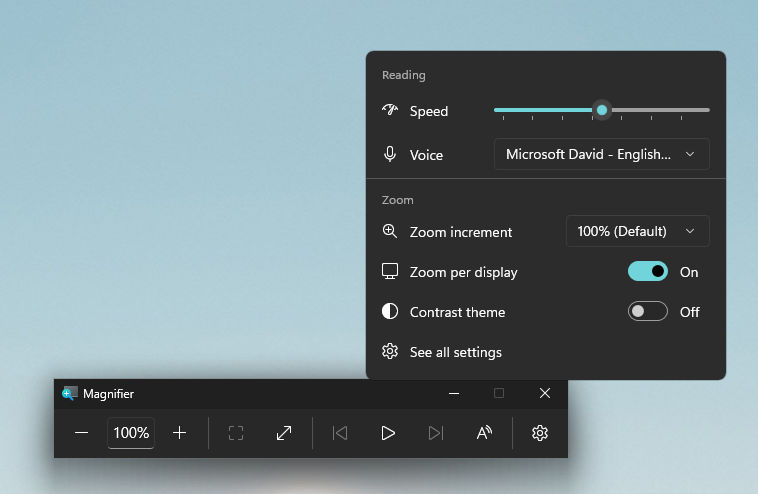
- Every screen keeps its own view, at its own zoom. In earlier versions of Magnifier, zooming in stretched a single magnified view across all of your displays, so one screen’s zoom followed you everywhere and screen edges blurred together. With this update, each monitor’s boundary is respected, and each monitor can hold its own zoom percentage. Your writing screen can sit at 300% while your reference screen stays at 150%, and the magnified view no longer spills from one display into the next. This matters because different tasks, and different screen resolutions, often call for different levels of magnification to stay comfortable to read. Read more in release notes link above.

Thanks,
Stephen and the Windows Insider Program team