

With the Windows Phone Developer Tools in Beta and Windows Phone 7 in Technical Preview, now is the time for you to build Windows Phone 7 apps in earnest. We have refreshed our developer documentation to help you build those apps, and we have two, new design-focused documents to help you make them look beautiful.
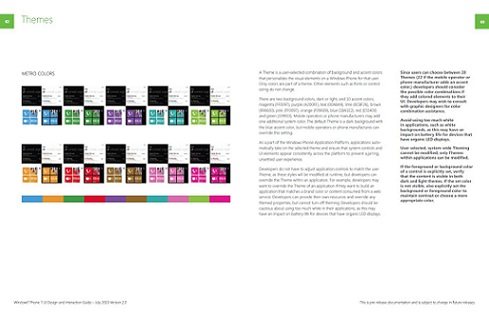
First up, the UI Design and Interaction Guide for Windows Phone 7 v2.0 has been updated from the ground up for beta. With additional information and a new layout we hope you will find more readable, this guide provides detailed information about UI elements and controls, UI system behaviors, and the interaction model for the touch interface based on the design system internally named Metro. Designers and developers should read this guide to learn about the dos and don’ts of UI implementations for their Windows Phone apps. We’ve made it easier to find specific guidance by putting it in bold in the right-hand column of each page.
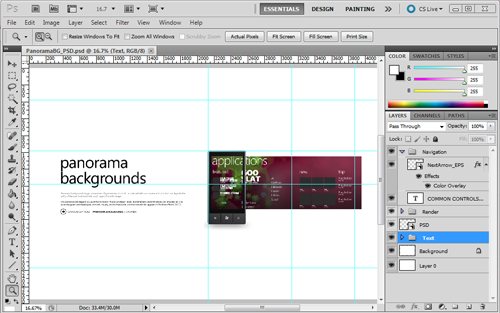
Also available are the Design Templates for Windows Phone 7. These are a collection of 28 layered Photoshop template files and the Segoe WP font family that can be used to create pixel-perfect application layouts, to help guide UI development, or to pitch an idea. These design templates showcase many controls that are a part of the Windows Phone Developer Tools Beta. They also include examples of controls that are a part of Windows Phone, but are not available as a part of the Windows Phone Developer Tools.
Let us know what you think. If you have suggestions or feedback about these design resources, please email us at [email protected] and help spread the word – if you find these resources helpful, please tweet about them.