

Getting from A to Z with your Windows Phone just got easier. Nokia today announced that its innovative collection of map and navigation apps—HERE Maps, HERE Drive Beta, and HERE Transit—are now available to all Windows Phone 8 users in Canada, France, Germany, Italy, Mexico, Spain, the U.K., and U.S. The apps were formerly available only to Nokia phones. You can download the collection from the Windows Phone Store starting later today by following the links.
If you’re new to these handy apps, here’s a quick rundown of what they offer. And don’t miss all the other news Nokia announced today at Mobile World Congress in Barcelona.
HERE Maps
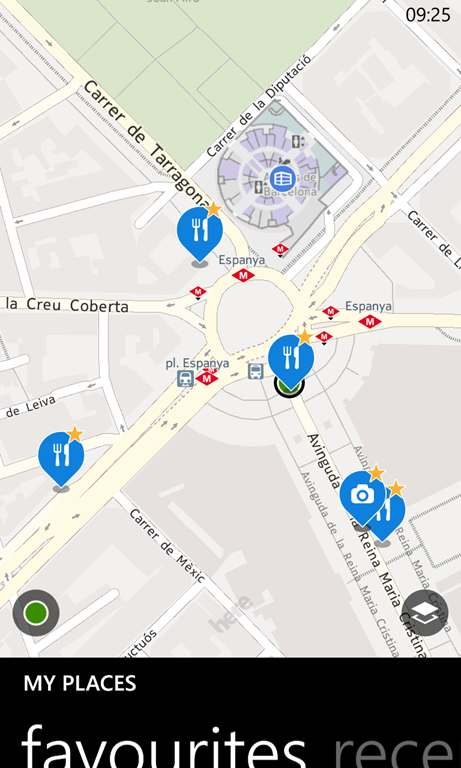

HERE Maps makes getting around easier than ever, with detailed mapping on or offline, and reliable, turn-by-turn navigation in over 90 countries. A new compass shows you which direction you’re facing, and also lets you choose an angled view of your surroundings. You get expanded maps of building interiors around the world – airports, shopping malls, stadiums and more. And you can always save your favorite places for easy reference later.
HERE Drive Beta
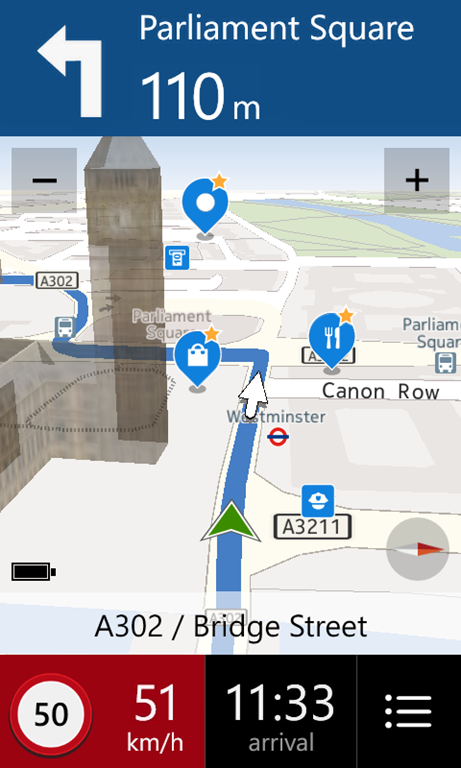
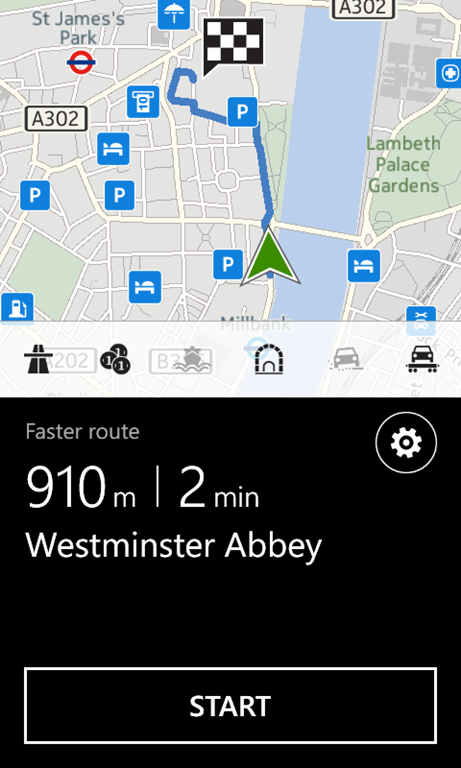
HERE Drive Beta syncs with the other HERE apps to give you the best turn-by-turn voice guidance available wherever you’re going, even when you’re offline. Customize your drive for a faster, shorter, or more economical route, and adjust settings to avoid things like traffic and toll roads. Then, customize map layers to see relevant places all along the way, from restaurants and gas stations to local points of interest. Text-to-speech means you’ll never have to look down to know which street you’re turning on, and audible speed limit alerts might save you a ticket.
(Traveling abroad in a country other than the United States, the UK, Canada, Mexico, Italy, Germany, Spain or France? Look for upgrade options when HERE Drive comes out of beta.)
HERE Transit
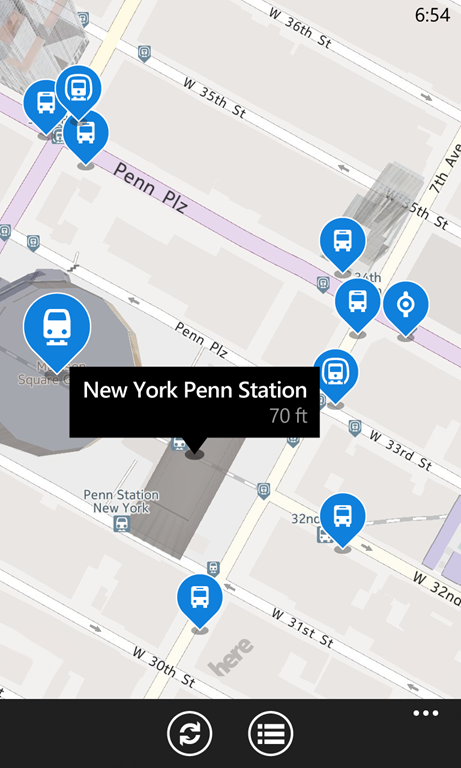

HERE Transit takes the confusion out of hopping the bus, train, tram, or ferry. Tap to see stations and stops nearest you on the map, then tap again for departure times. All your favorites from HERE Drive and HERE Maps are accessible, so getting to your favorite restaurant or shop is easy. And because all the HERE apps are synced, moving between types of navigation—from finding a location to transit directions to walking navigation—happens in just a tap or two.