Skip to main content Skip to main content Windows Experience Devices Windows Developer Microsoft Edge Windows Insider Microsoft 365 Microsoft 365 Azure Copilot Windows Surface XBOX Deals Small Business Support Windows Apps Outlook OneDrive Microsoft Teams OneNote Microsoft Edge Moving from Skype to Teams Computers Shop XBOX Accessories VR & mixed reality Certified Refurbished Trade-in for cash XBOX Game Pass Ultimate PC Game Pass XBOX games PC games Microsoft AI Microsoft Security Dynamics 365 Microsoft 365 for business Microsoft Power Platform Windows 365 Small Business Digital Sovereignty Azure Microsoft Developer Microsoft Learn Support for AI marketplace apps Microsoft Tech Community Microsoft Marketplace Software companies Visual Studio Microsoft Rewards Free downloads & security Education Gift cards Licensing Unlocked stories View Sitemap
March 14, 2013
PC

Dell announces XPS 18 – an All-in-One desktop that is also a tablet


Ok so this is pretty cool. Yesterday, Dell announced the newest member of their awesome XPS line (I have the XPS 13): the XPS 18. The XPS 18 is an All-in-One PC. The XPS 18 is a tablet. Wait… what?
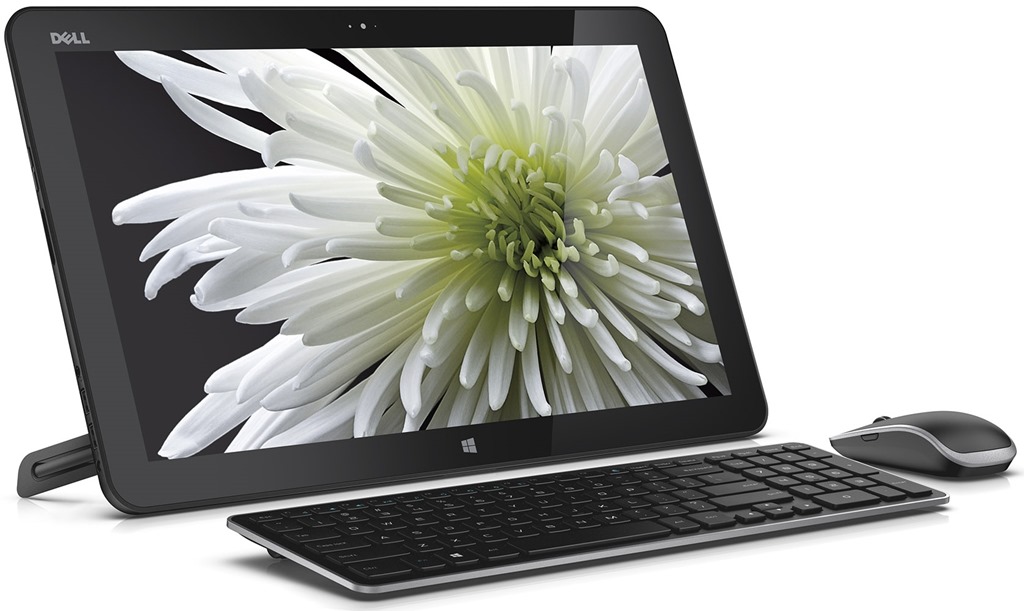
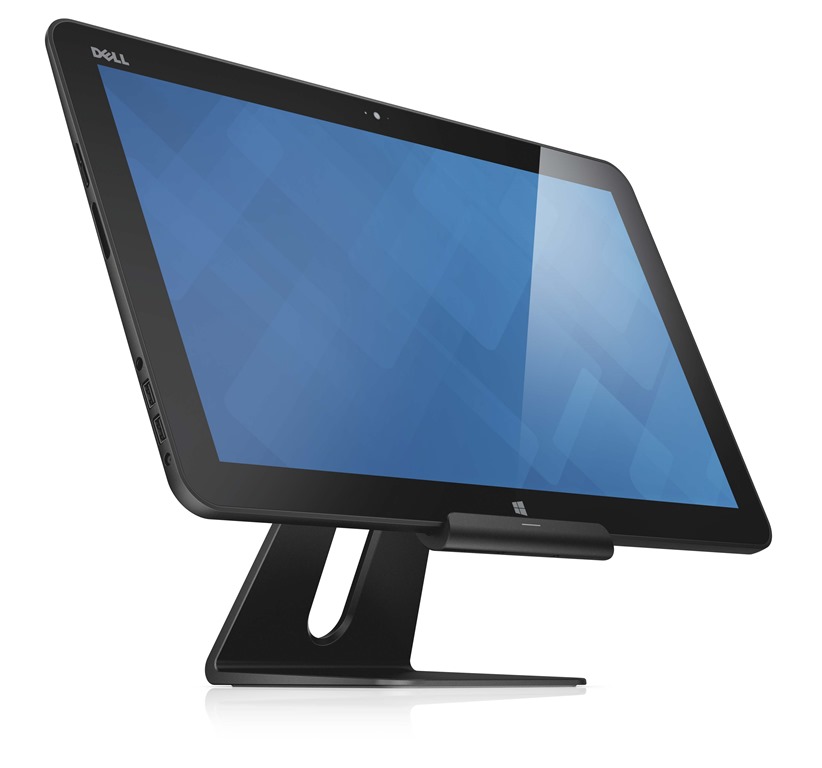
XPS 18 Portable AIO Desktop with Peripherals and Hand

 xs18_1810_ltb_00045rf25_gy_dock


Yup – that’s right: the XPS 18 is an All-in-One PC that can be a tablet too! Dell is calling this new PC “the world’s thinnest portable All-in-One”. The XPS 18 comes in just under 5 pounds, has an 18.4” capacitive touch full HD (1920×1080), and is built on Intel’s third-generation core processors. It has a built in kick-stand on the back where it can stand on its own or can snap into a stand to be used more like a traditional PC. You can pretty much take this PC to any room in your house and use it for whatever you need – whether it’s playing games in the living room or viewing recipes in the kitchen or writing emails in your home office.

The XPS 18 will be available on Dell.com in the United States and in select countries in Europe on April 16 starting at $899.99.

For more information, click here to read their blog post. Be sure to let Lionel know Brandon sent you!

Your Privacy Choices Opt-Out Icon Your Privacy Choices
Consumer Health Privacy Sitemap Contact Microsoft Privacy Manage cookies Terms of use Trademarks Safety & eco Recycling About our ads