

I’ve been looking for a photo-sharing service to share out all my amazing photos I am taking with my Lumia 1020 Windows Phone and one service folks kept recommending to me was 500px. 500px is a photo-sharing service meant for aspiring photographers (such as myself) as well as the professional ones. It makes it super easy to share your photos as well as discover amazing photography from other photographers. You can even sell your photos through 500px or buy photos from other photographers. I’ve recently signed up and have been sharing some of the best photos I’ve taken so far with my Lumia 1020. You can check out my Lumia 1020 set by clicking here. And today I am even more excited because 500px has released their app for Windows 8!
Download 500px for Windows 8 from the Windows Store.
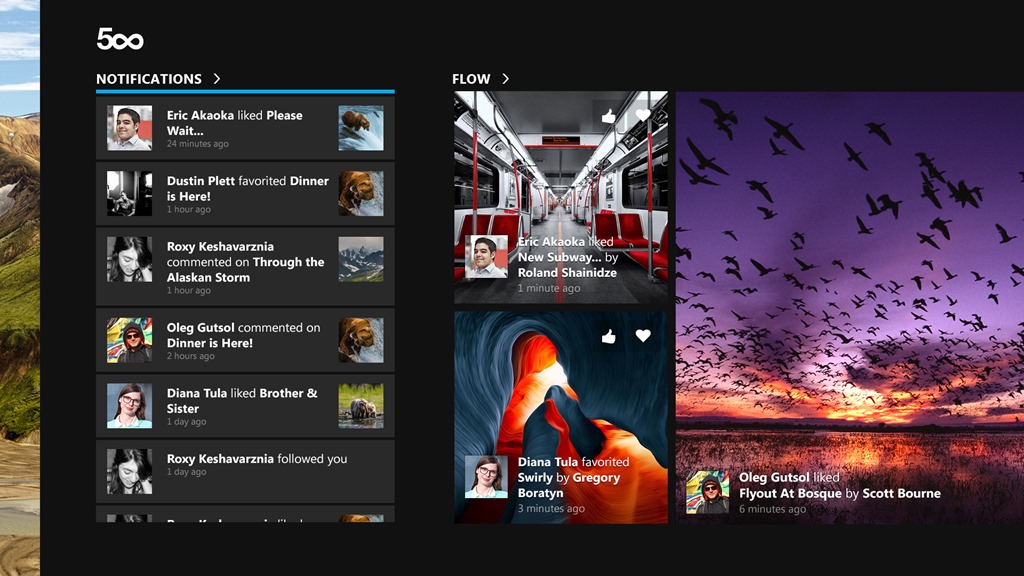
500px for Windows 8 uses the left-to-right navigation that is consistent across Windows 8. When you first open the app, it dishes out amazing photos from the Editor’s choice, Upcoming and Popular photo feeds.

When you sign in to your 500px account, you’ll get notifications (when people “fave” your photos for example) and have access to all your 500px photo streams, like Flow, Following, Favorites and Popular, Editor’s Choice and Upcoming.

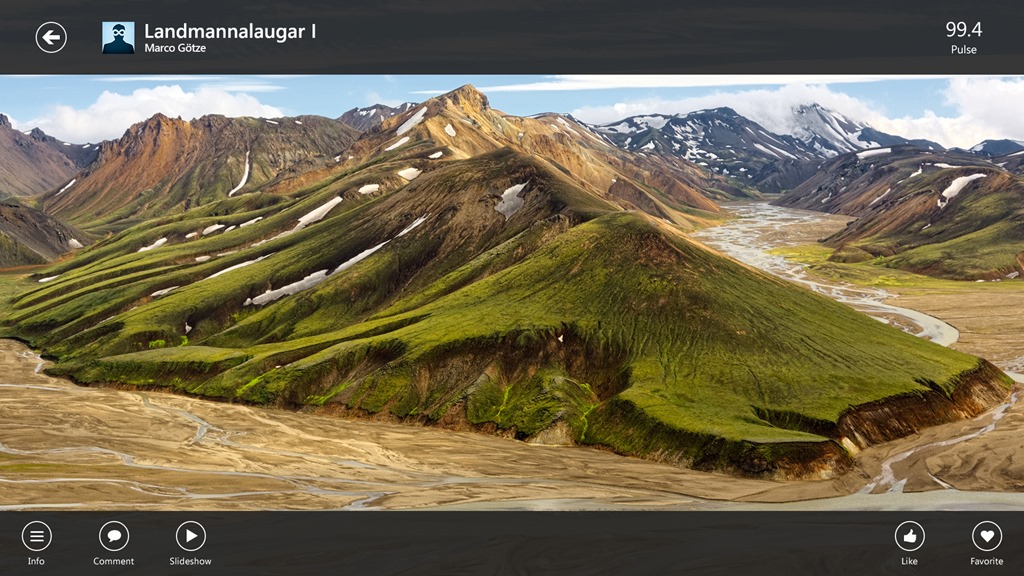
When you click on a photo, you get to see the photo full-screen. You can bring up the app commands to leave a comment or share. By bringing up the app commands on a photo, you can also get a quick look at a photo’s “pulse” on 500px – this is essentially how popular that photo is at any given moment out of out of 100 points. You can also view all the information for that photo (like what device was used, shutter speed, etc.).
Download 500px for Windows 8 today from the Windows Store and start discovering incredible photos from photographers around the world!
Bing is also partnering with 500px to showcase photos from 500px on the Bing homepage! See the details here.