Skip to main content Skip to main content Windows Experience Devices Windows Developer Microsoft Edge Windows Insider Microsoft 365 Microsoft 365 Azure Copilot Windows Surface Xbox Deals Small Business Support Windows Apps Outlook OneDrive Microsoft Teams OneNote Microsoft Edge Moving from Skype to Teams Computers Shop Xbox Accessories VR & mixed reality Certified Refurbished Trade-in for cash Xbox Game Pass Ultimate PC Game Pass Xbox games PC games Microsoft AI Microsoft Security Dynamics 365 Microsoft 365 for business Microsoft Power Platform Windows 365 Small Business Digital Sovereignty Azure Microsoft Developer Microsoft Learn Support for AI marketplace apps Microsoft Tech Community Microsoft Marketplace Marketplace Rewards Visual Studio Microsoft Rewards Free downloads & security Education Gift cards Licensing Unlocked stories View Sitemap
August 5, 2015
PC

Take the things you love and mix them into collage art, with PicCollage for Windows 10


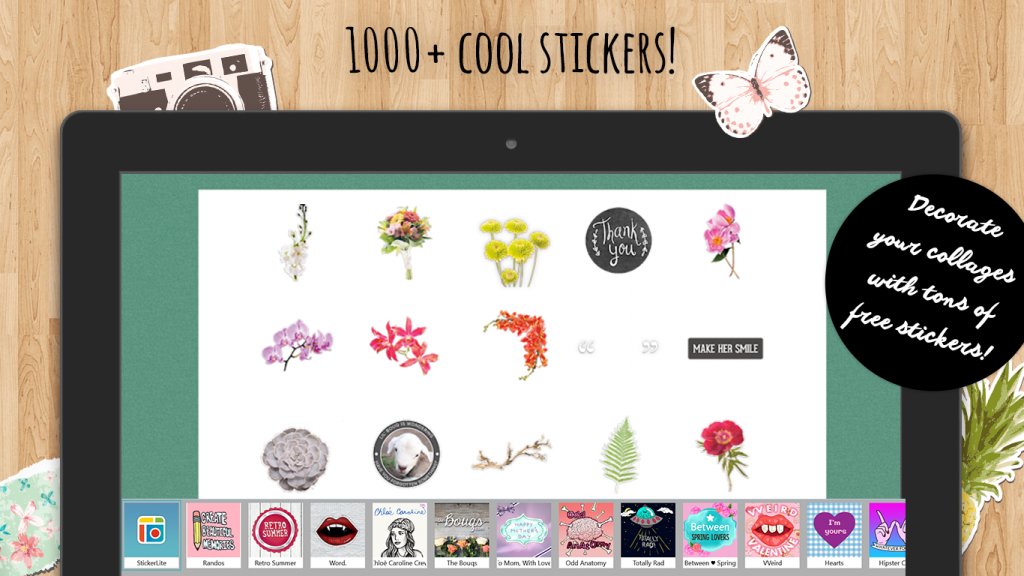
If you haven’t heard about the coolest collage-maker in town, it’s time you met PicCollage, a Universal Windows App now available for Windows 10. With PicCollage you can combine photos, text, Ink drawings, stickers and hand-clipped cutouts to create beautiful collages on your Windows devices. Create free-formed collages or arrange them in grid layouts if you prefer them neat. When you’re done, save or share your digital collages or print them out as high-quality phone cases, posters, magnets and photo printouts.

PicCollage 1

Some features you’ll enjoy with PicCollage are,

  • Import photos from your Pictures folder to create your collages.
  • Draw anything you want on your collage using Ink.
  • Just tap on the lower-left Frame icon to select a frame to make an instant collage.
  • Clip photos by outlining the area you want with lots of backgrounds and stickers to choose from.
  • Share your creations to Instagram, Facebook, Twitter.
PicCollage 2

It’s easy to be creative with the collage-making magic of PicCollage for Windows 10, download it today for free!

Your Privacy Choices Opt-Out Icon Your Privacy Choices
Consumer Health Privacy Sitemap Contact Microsoft Privacy Manage cookies Terms of use Trademarks Safety & eco Recycling About our ads