Skip to main content Skip to main content Windows Experience Devices Windows Developer Microsoft Edge Windows Insider Microsoft 365 Microsoft 365 Azure Copilot Windows Surface XBOX Deals Small Business Support Windows Apps Outlook OneDrive Microsoft Teams OneNote Microsoft Edge Moving from Skype to Teams Computers Shop XBOX Accessories VR & mixed reality Certified Refurbished Trade-in for cash XBOX Game Pass Ultimate PC Game Pass XBOX games PC games Microsoft AI Microsoft Security Dynamics 365 Microsoft 365 for business Microsoft Power Platform Windows 365 Small Business Digital Sovereignty Azure Microsoft Developer Microsoft Learn Support for AI marketplace apps Microsoft Tech Community Microsoft Marketplace Software companies Visual Studio Microsoft Rewards Free downloads & security Education Gift cards Licensing Unlocked stories View Sitemap

Windows 10 Tip: Watch 360° videos with the Windows 10 Creators Update

Written By published June 19, 2017

Today, we’re showing you how you can fully immerse yourself in 360° videos with the Windows 10 Creators Update.


With the Creators Update, the Movies & TV app* expands your viewing horizon from 2D video to 360° video. You can explore new immersive 360° video content from partners like GoPro, Baobab Studios, LIFE VR, NextVR, Littlstar and more. Go skydiving with a bombsquad, see a rocket launch from up close, visit Portugal, watch the NBA games from the best seats courtside, or even climb Mount Everest; a few of the many immersive experiences featured in the app. Stay tuned as content refreshes frequently. Want to create your own stories? Windows 10 supports a variety of 360° cameras for capturing your own content, so now you can also watch your personal 360° video creations in the Movies & TV app.

Here’s how to get started:

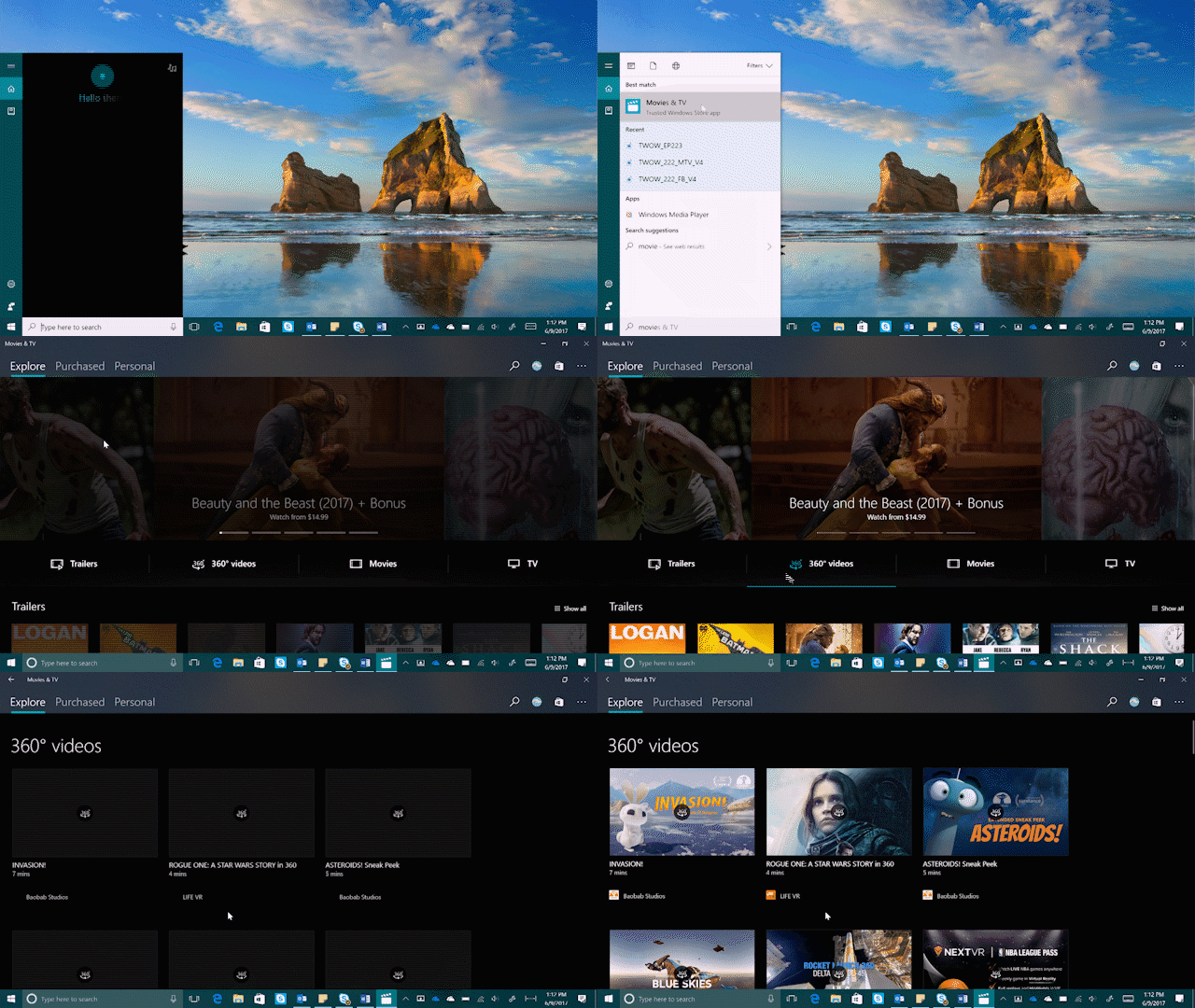
Launch the Movies & TV app, and head to the “360° videos” section.
Launch the Movies & TV app, and head to the “360° videos” section.

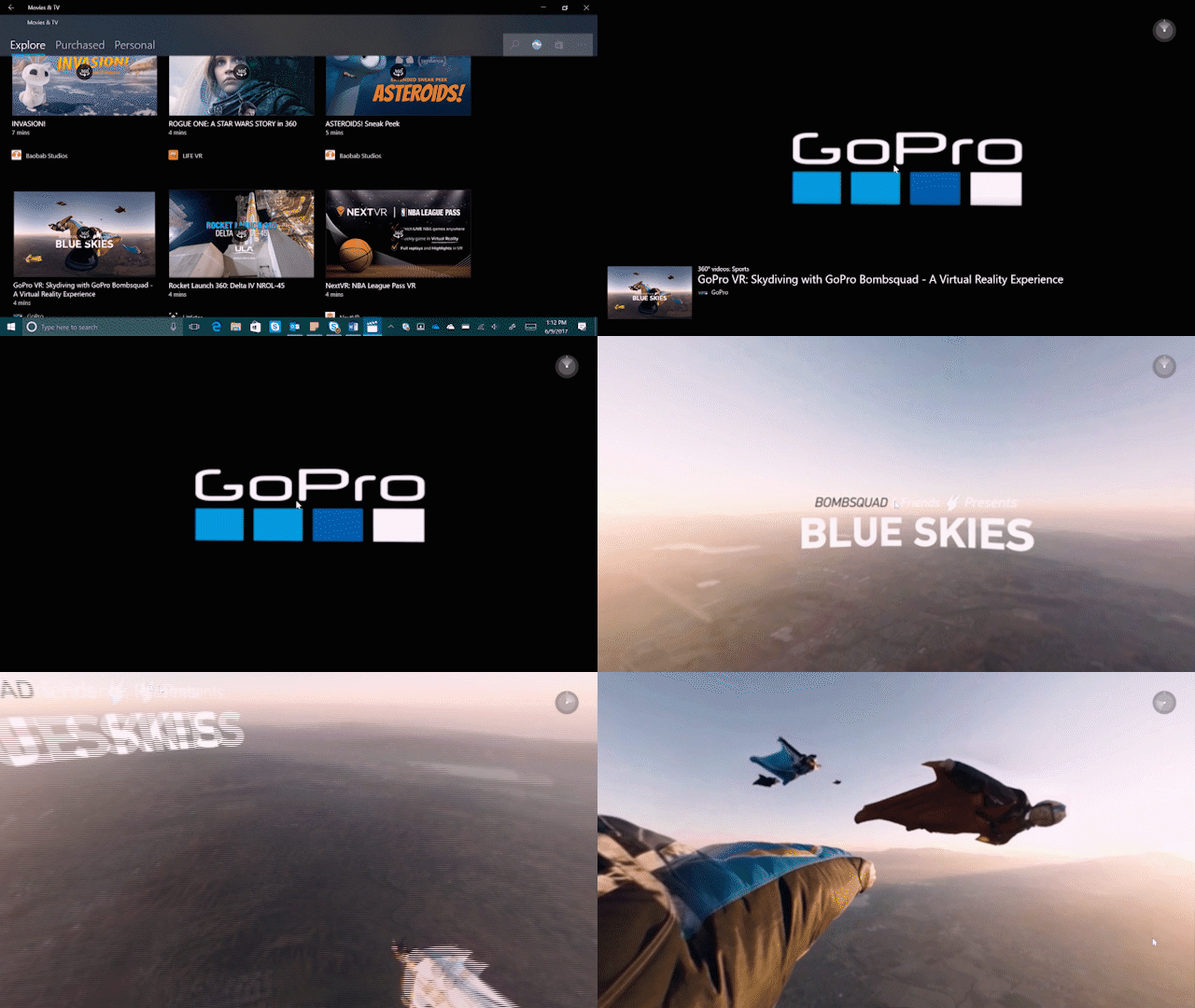
Click on a video to start playing it. If you’re viewing from your Windows PC, simply drag your mouse around to view the 360° videos.

Click on a video to start playing it. If you’re viewing from your Windows 10 PC, simply drag your mouse around to view the 360° videos.

If you’re on your Windows Phone or Windows 10 tablet, you can swivel around in all directions to enjoy 360° of video. Come Holiday 2017, you can take it up a notch and step into mixed reality entertainment with your Windows Mixed Reality headset.**

Have a great week!

*App availability and experience may vary by region and device; some content sold separately.
**Headsets sold separately.

Your Privacy Choices Opt-Out Icon Your Privacy Choices
Consumer Health Privacy Sitemap Contact Microsoft Privacy Manage cookies Terms of use Trademarks Safety & eco Recycling About our ads