Skip to main content Skip to main content Windows Experience Devices Windows Developer Microsoft Edge Windows Insider Microsoft 365 Microsoft 365 Azure Copilot Windows Surface Xbox Deals Small Business Support Windows Apps Outlook OneDrive Microsoft Teams OneNote Microsoft Edge Moving from Skype to Teams Computers Shop Xbox Accessories VR & mixed reality Certified Refurbished Trade-in for cash Xbox Game Pass Ultimate PC Game Pass Xbox games PC games Microsoft AI Microsoft Security Dynamics 365 Microsoft 365 for business Microsoft Power Platform Windows 365 Small Business Digital Sovereignty Azure Microsoft Developer Microsoft Learn Support for AI marketplace apps Microsoft Tech Community Microsoft Marketplace Marketplace Rewards Visual Studio Microsoft Rewards Free downloads & security Education Gift cards Licensing Unlocked stories View Sitemap
PC
April 23, 2018

Windows 10 Tip: Five keyboard shortcuts you may not know about


We’ve showed you 10 things you can do in Windows Mixed Reality right now and how to clear your workspace in two simple steps – today, we’re going to show you five keyboard shortcuts you may not know about!

1. Hold down Windows logo key + comma to take a quick look at the desktop
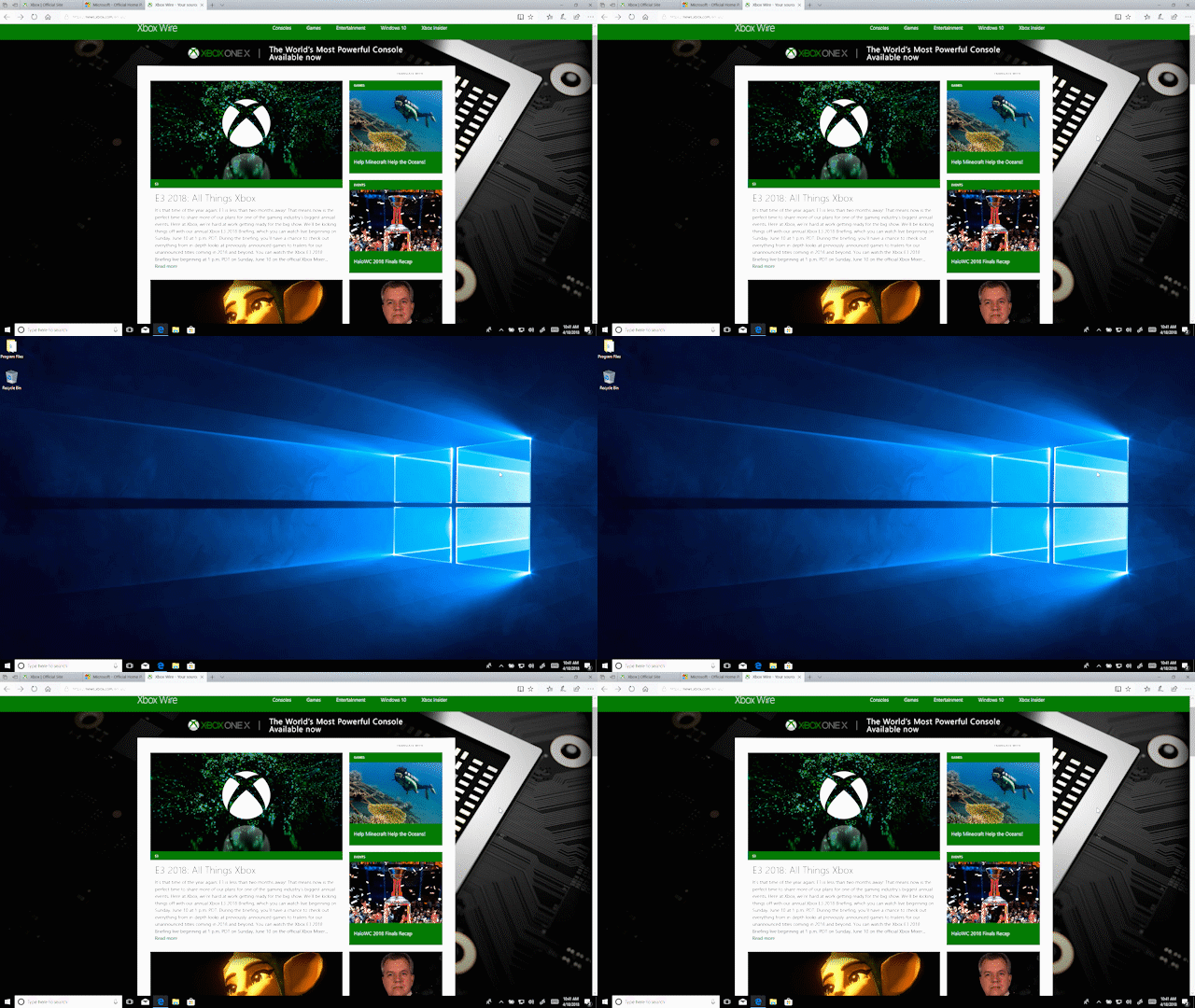
Showing a browser disappearing to show the desktop, then returning

2. Lock your PC or switch accounts with Windows logo key + L
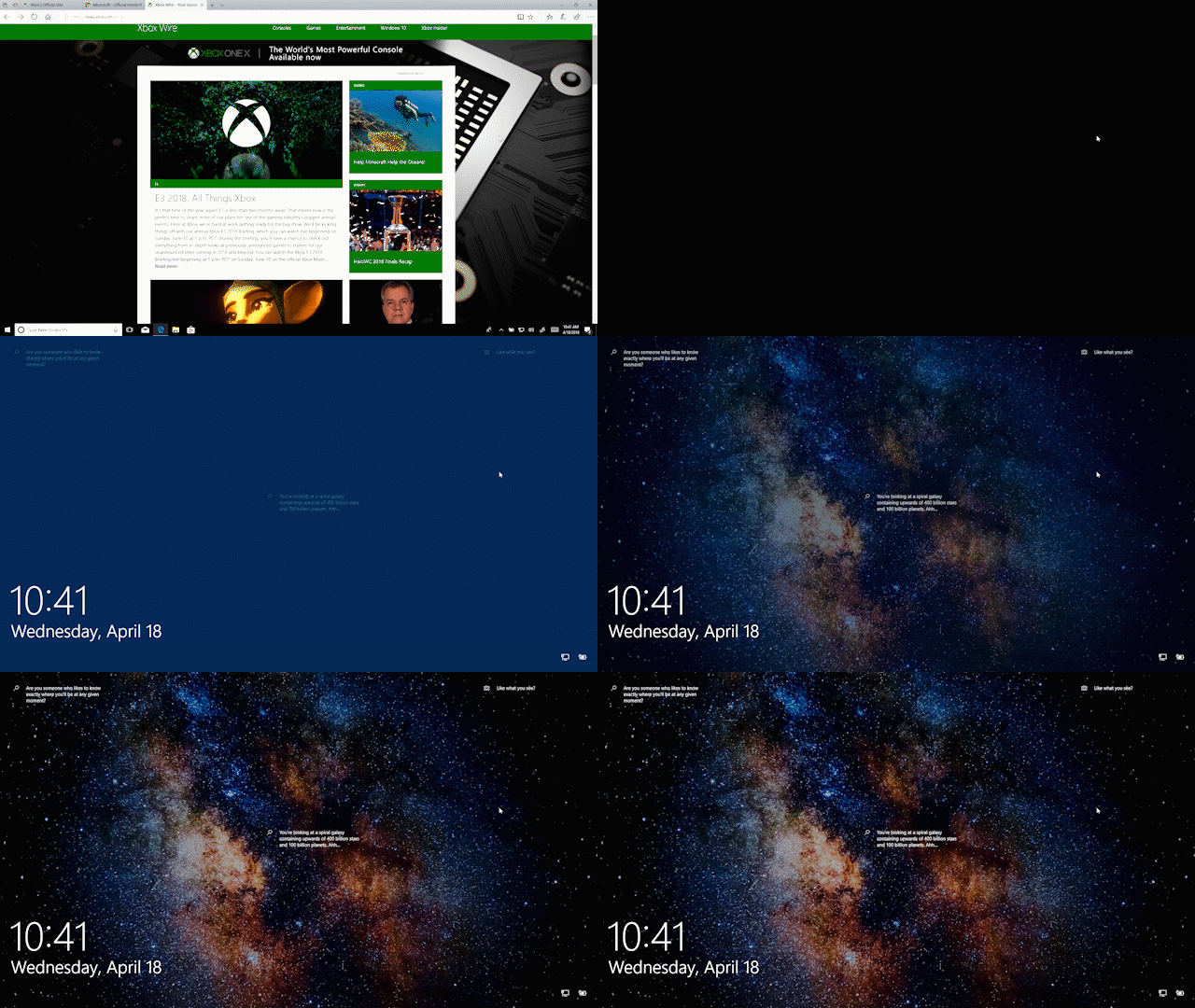
Showing a browser and then the Windows 10 lock screen

3. Press Alt + Tab to switch between all your open apps

Switching between several different windows

4. Minimize all your open windows at once with Windows logo key + M
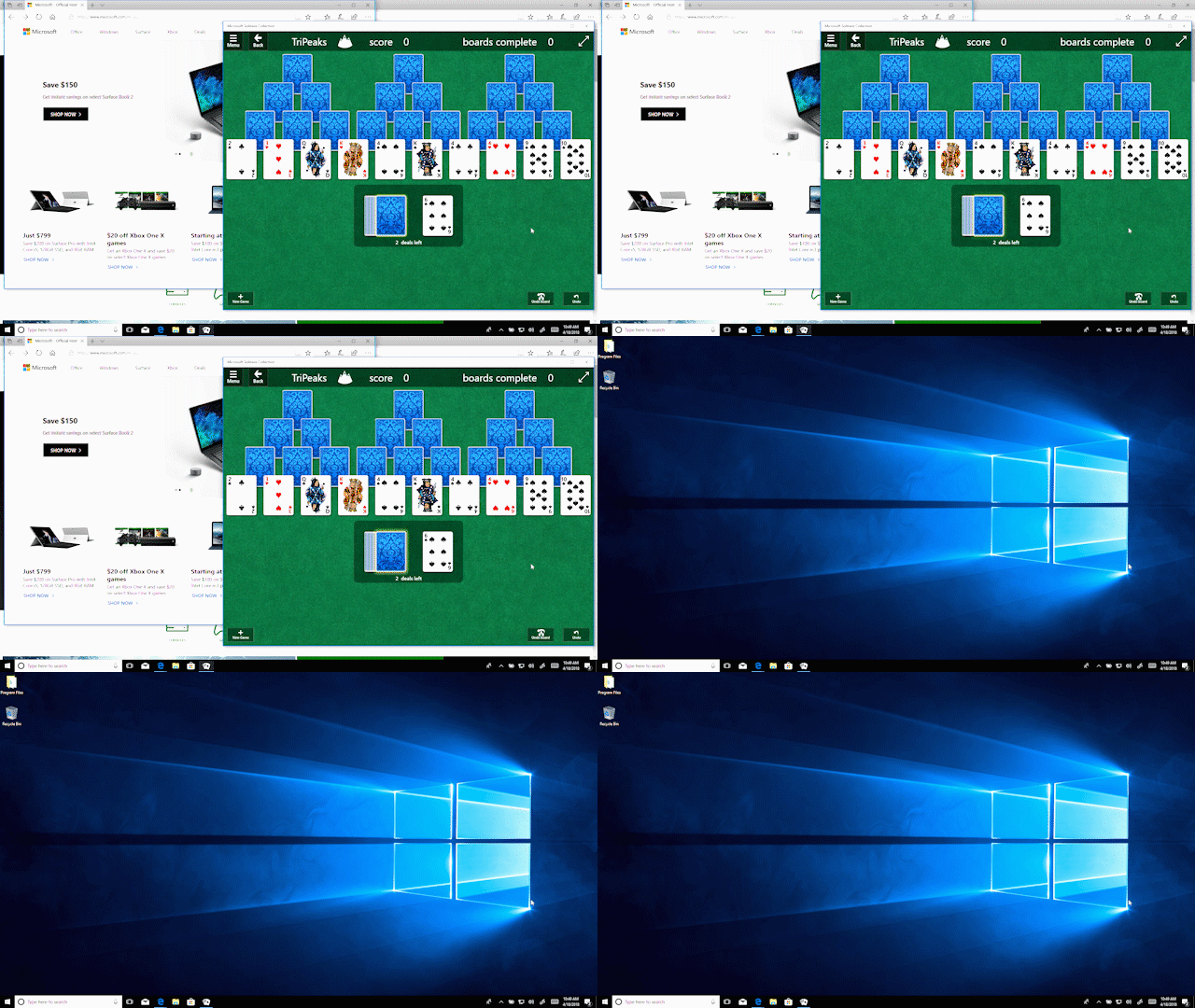
Several open windows minimizing to show the desktop

5. And use Windows logo key + Shift + M to restore all minimized windows
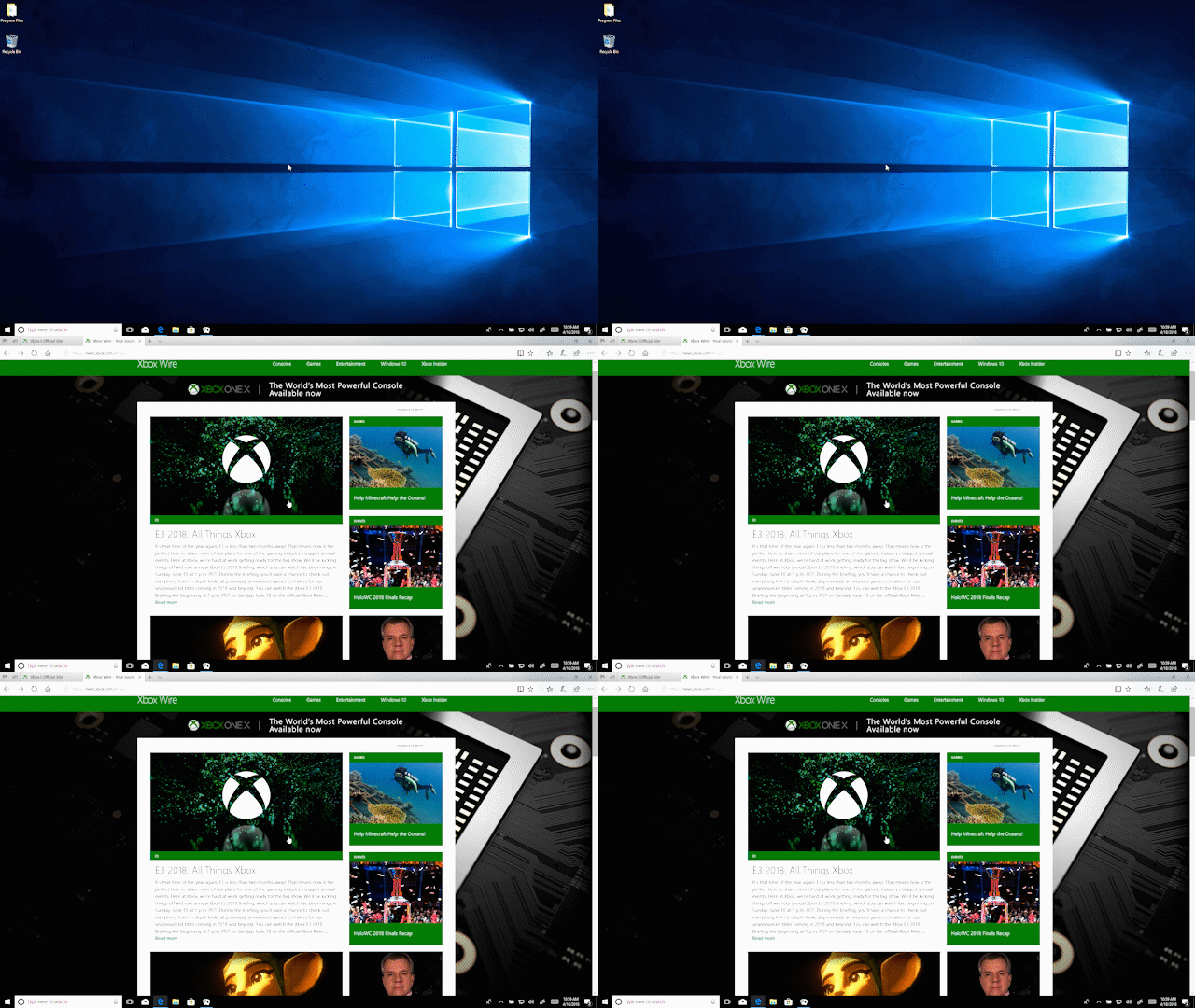
Several windows are restored and open

In case you missed it, check out five things you might not know you can do right now with your Windows 10 PC!

Your Privacy Choices Opt-Out Icon Your Privacy Choices
Consumer Health Privacy Sitemap Contact Microsoft Privacy Manage cookies Terms of use Trademarks Safety & eco Recycling About our ads