

Samsung announces Galaxy Book Pro series, continues to work with Microsoft to build a new approach to mobile computing
With the Galaxy Book Pro series, partners Samsung and Microsoft embrace open collaboration, building a new approach to mobile computing in which smartphones and PCs work together across operating systems.
Samsung has unveiled the Galaxy Book, Galaxy Book Pro and Galaxy Book Pro 360, ultra-thin and light Windows 10 laptops that can turn any location into a mobile office, theater or conference room. Studio mode in these laptops creates ideal video call environments that help you look your best, regardless of lighting or background, akin to Intelligent Noise Cancelling, which eliminates ambient noise from your microphone, you’ll always be heard with superior clarity. Combined with a compact USB Type-C universal charger, Galaxy Book’s minimal footprint moves with you however and wherever you need it.
Samsung’s renewed Galaxy Book focus combines the power of the Windows PC with the DNA of Galaxy smartphones for all-in-one versatility.
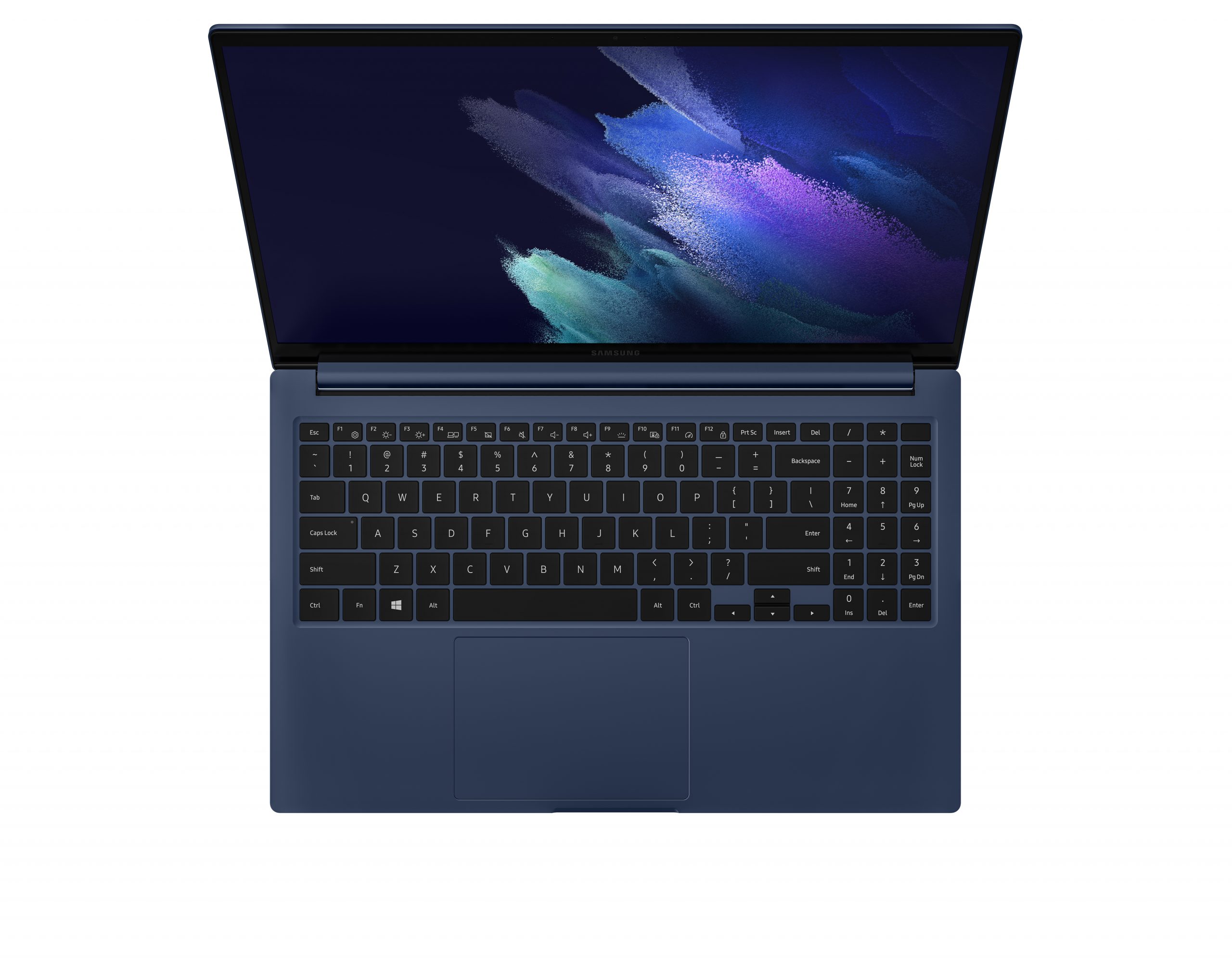
The Galaxy Unpacked event in 2019 showed off the first commitments Samsung and Microsoft made to a seamless phone-to-PC experience. This produced Link to Windows (Microsoft Your Phone), which helped users stay in their work or creative flow by easily connecting their devices and up to five mobile apps, taking calls, seeing photos and messages, and checking notifications right on their PCs*. Users could also quickly pair their Galaxy Buds to their Windows PC.
Samsung and Microsoft connected apps to provide full synchronization across platforms such as: Samsung Notes/OneNote, Samsung Calendar/Outlook calendar and Reminder/Microsoft To Do.
Now in 2021, that partnership expands with more blended features across Galaxy and Windows 10.
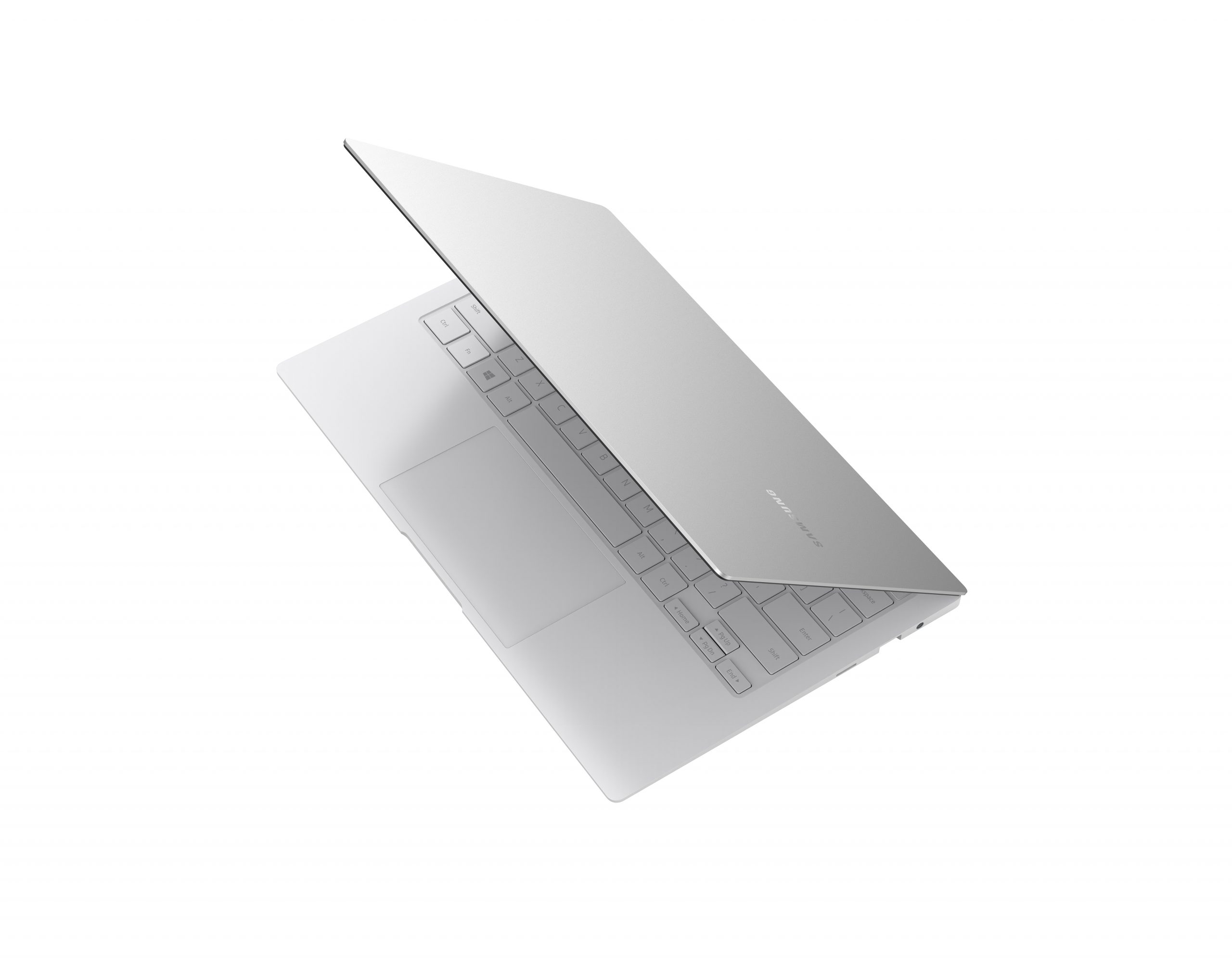
The Galaxy Book Pro series also doubles as a smart home hub with seamless SmartThings integration. Samsung’s SmartThings users will now be able to easily monitor and control their Galaxy devices through a SmartThings dashboard directly within Windows. Samsung and Microsoft are also collaborating on a mobile friendly UI and productivity features that complement the new Galaxy Book.
With Galaxy Book Smart Switch, you can quickly transfer favorite photos, movies, files, apps and even settings from a Windows PC to the Galaxy Book Pro series.
Find out more about the Galaxy Book Pro series at Samsung.
Lead image: Galaxy Book Pro 360
* Users must link their mobile phone to their Windows PC through Link to Windows on their phone and Your Phone app on their PC, follow the set-up prompts, including being signed into same Microsoft account. Requires an Android 7.0+ phone and the latest Windows 10 update on the PC. Some mobile apps may restrict content to be shared on other screens or may require a touch screen to be able to interact with them. Apps feature requires Android phone and PC to be connected to the same Wi-Fi network. Your Phone multiple apps experience requires supported Samsung Galaxy devices running Android 11 and Windows 10 May 2020 Update or later. Supported devices for Apps feature. Calls requires a minimum PC software version of Windows 10 May 2019 update or higher. Requires Windows 10 PC supporting Bluetooth radio. Requires Android devices version 7.0 and greater with at least 1 GB of RAM and the latest update for Windows.