

CES 2024: Samsung’s Galaxy Book4 reveals more ways to integrate AI and smartphones
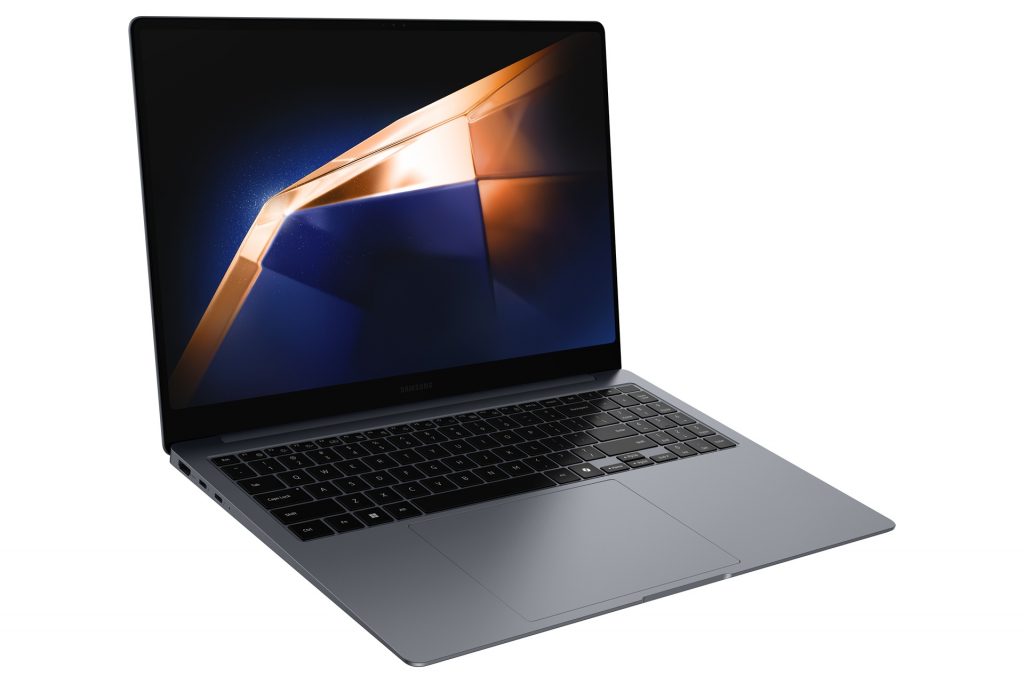
The Samsung Galaxy Book4 series, now available in the U.S., include Microsoft Copilot in Windows 11. The U.S.-based laptops have a new built-in Copilot key, providing faster access to your everyday AI companion in Windows 11, harnessing the capabilities of AI to make the things you do every day easier. Features include helping you summarize web pages and change settings.

If you have a Samsung Galaxy smartphone, Copilot can connect it with the Galaxy Book4. You can then find, read or summarize text messages from your phone and create and send messages – as well as tap into other smartphone functions – on your PC.
If video conferencing on Microsoft Teams is your norm and you have the Galaxy smartphone, now you can turn your phone’s camera into a PC webcam. You can easily switch between front and rear cameras to adapt to any setup. Quickly change your frame to include the others in the room, get up and walk around while speaking, or show your colleagues the view out the window, without adjusting your PC. You can also apply a variety of features from your phone to your call – including Background Blur and Auto-framing. These can focus your image on any environment, such as a busy coffee shop or a company boardroom.
Find out more about the Galaxy Book4.