

ArtRage has really taken Windows Touch to the next level. It uses single touch to allow you to create masterpieces, but recognizes multi-touch to resize rotate the canvas and zoom. It’s a very smart way to interpret touch commands.
ArtRage offers an incredible range of brush types for the budding artist. In order from left to right, top to bottom, in the picture below: crayon, pencil, oil brush, watercolor, paint roller, chalk, felt pen, airbrush, gloop pen, paint tube, ink pen, sticker spray, glitter tube.
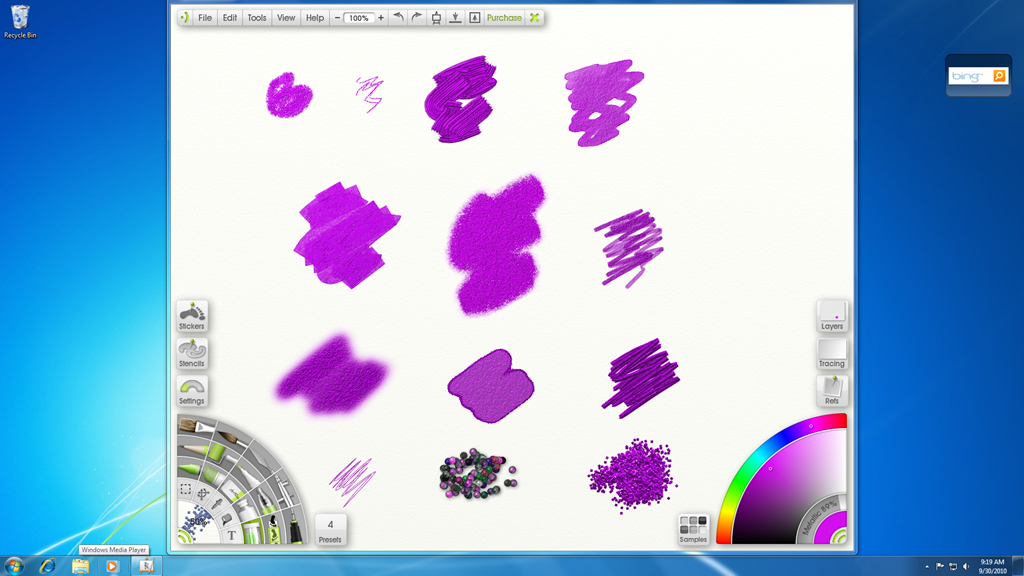
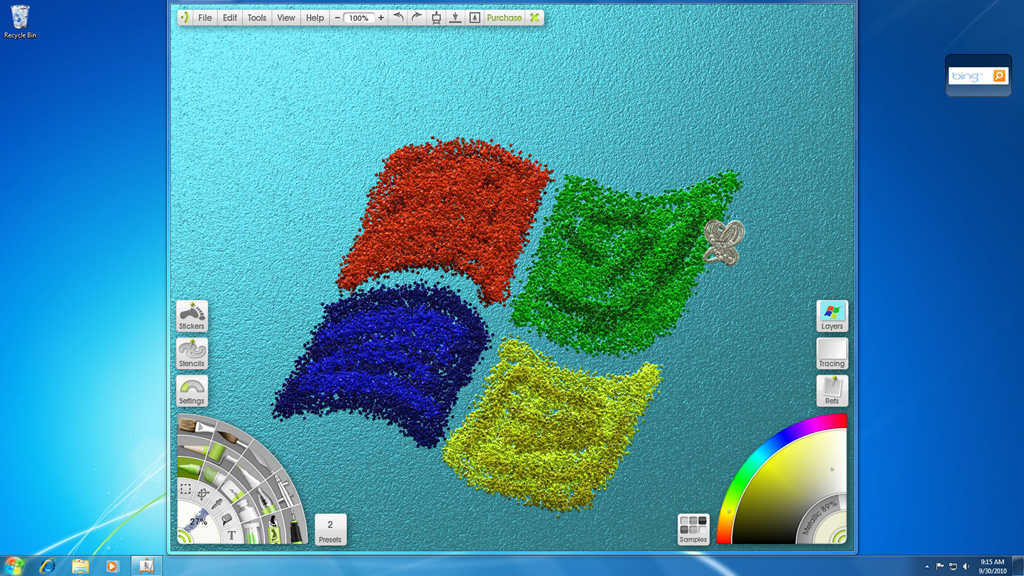
It’s also impressive how realistically they replicate the brush strokes as you move your finger. There is even a palette knife if you are very advanced. You can also adjust the color and metallic appearance of the color. I hadn’t seen glitter tube or paint tubes as options in art applications before, so I spent a good amount of time drawing different still life using these brushes. I created a glitter rendition of a soda can in my office, coffee cup, even a koosh ball. The artwork, I decided to share, was the Windows flag in glitter with a butterfly.
There is no other way to describe this application than pure fun! You can check it out here.