

Windows 10 Tip: Organize your busy lives with a family notebook in OneNote
Families are busier than ever these days, and it can be hard to stay in sync. With the family notebook in OneNote, you can literally get everyone on the same page. Here’s how it works.
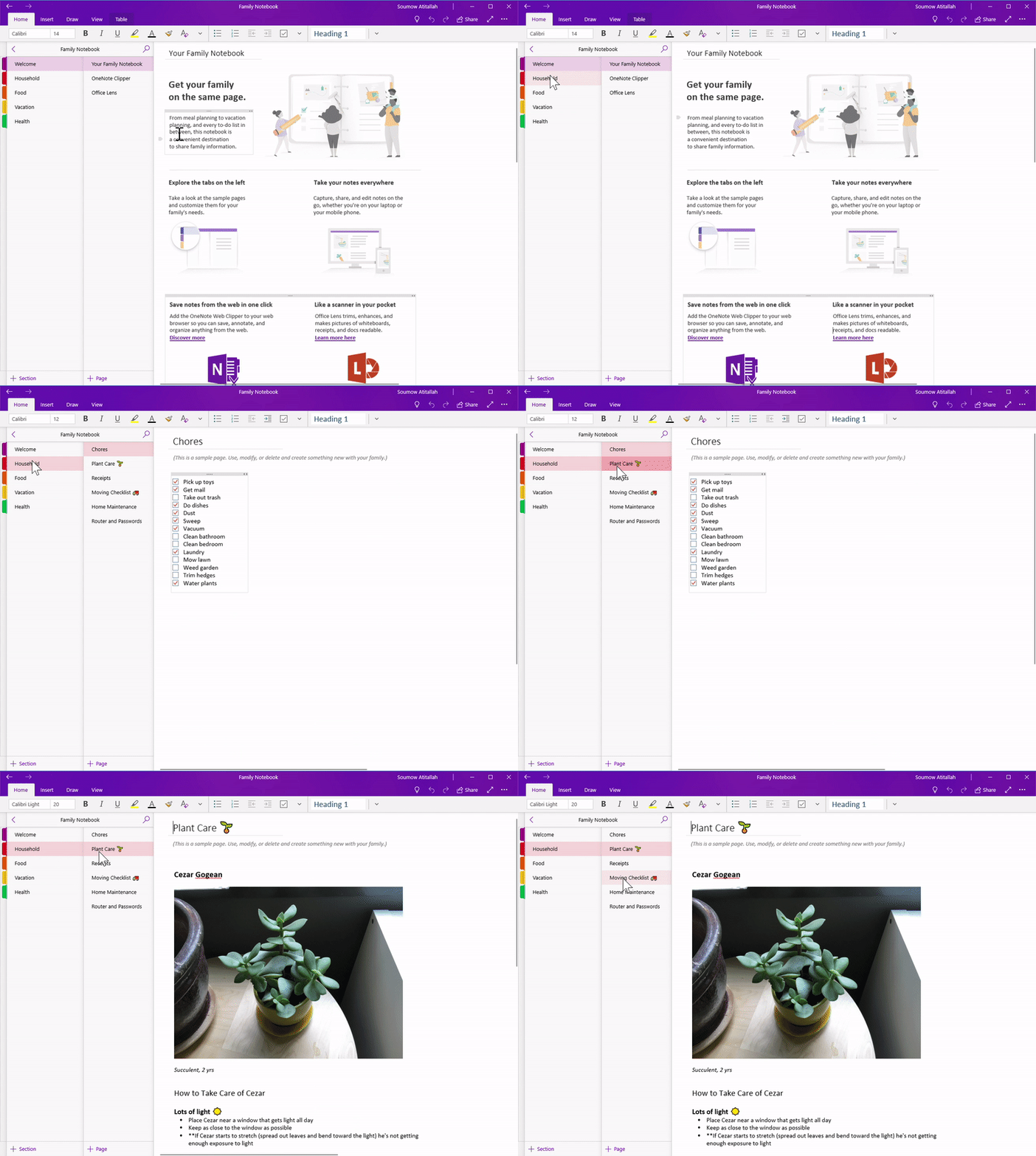
Grocery lists. Vacation planning. Shared notes. Families share information every day, and often, it’s challenging to capture it all and keep it up to date. That’s where a family notebook comes in.
Share to-do lists, recipes, vacation plans, and more
Once your notebook is created, it will be automatically shared with your Microsoft family. Whatever you choose to add to your family notebook, it will be in one place that everyone in your family can access.
We’ve started you off with some examples for Household management, Food, Vacations, and more.
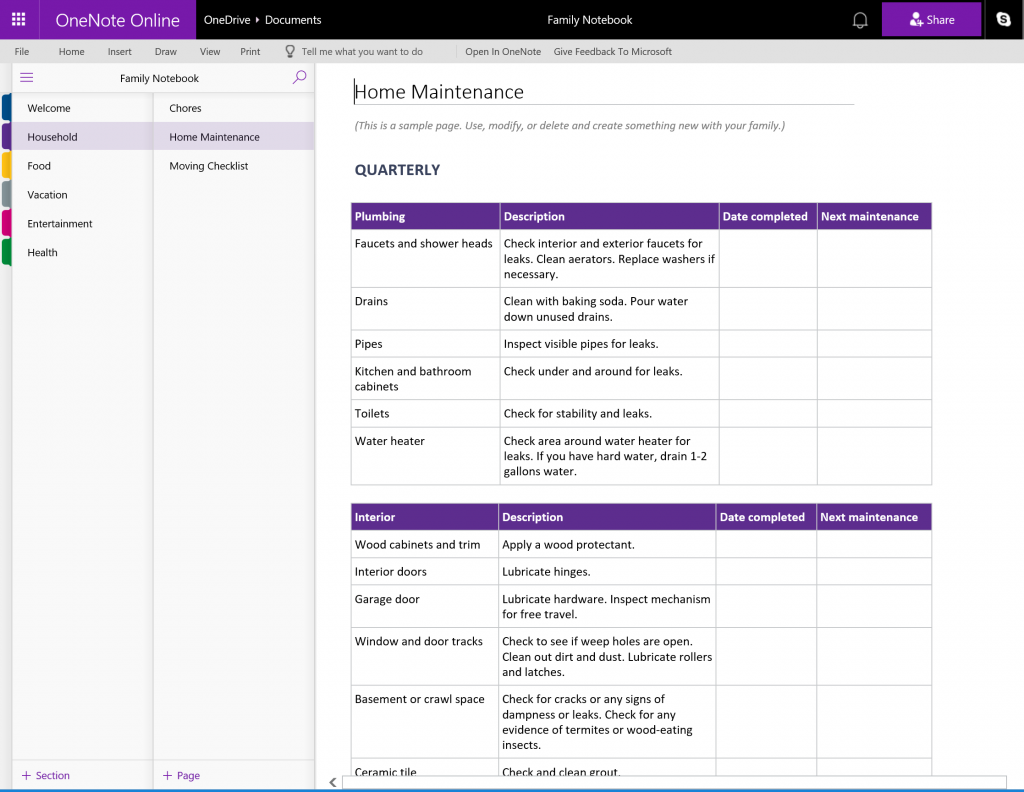
Add new sections for your family’s favorites
Track your favorite TV shows, home projects, or any other information you want to share – in one convenient place. Here are some more great ideas for your family notebook:
- Budgets
- Neighbor info
- Restaurant and take-out menus
- Family projects
- And more…whatever your family wants to share!
Getting started is easy
If you have Microsoft accounts set up for everyone in your family, you can create your family notebook now. If you don’t yet, go here to set one up – it’s quick, and once you do, you’ll have access to other great stuff like settings for keeping kids safe online, setting screen time limits, and more. To learn more, head over here!


