

More than ever, web developers are recognizing that the web must be accessible and inclusive in order to create great experiences for everyone. Nearly half of computer users in the US also use some form of assistive technology (AT). Users of AT may have physical or cognitive disabilities, temporary injuries, hearing or vision loss, or other conditions that necessitate different experiences on the web. Other users may not have an impairment but benefit from the convenience of features such as keyboard navigation.
Driven by this knowledge and Microsoft’s commitment to inclusivity and accessibility, our team of developers, designers, and accessibility experts worked together to bring new accessibility features and improvements to the Microsoft Edge Developer Tools.
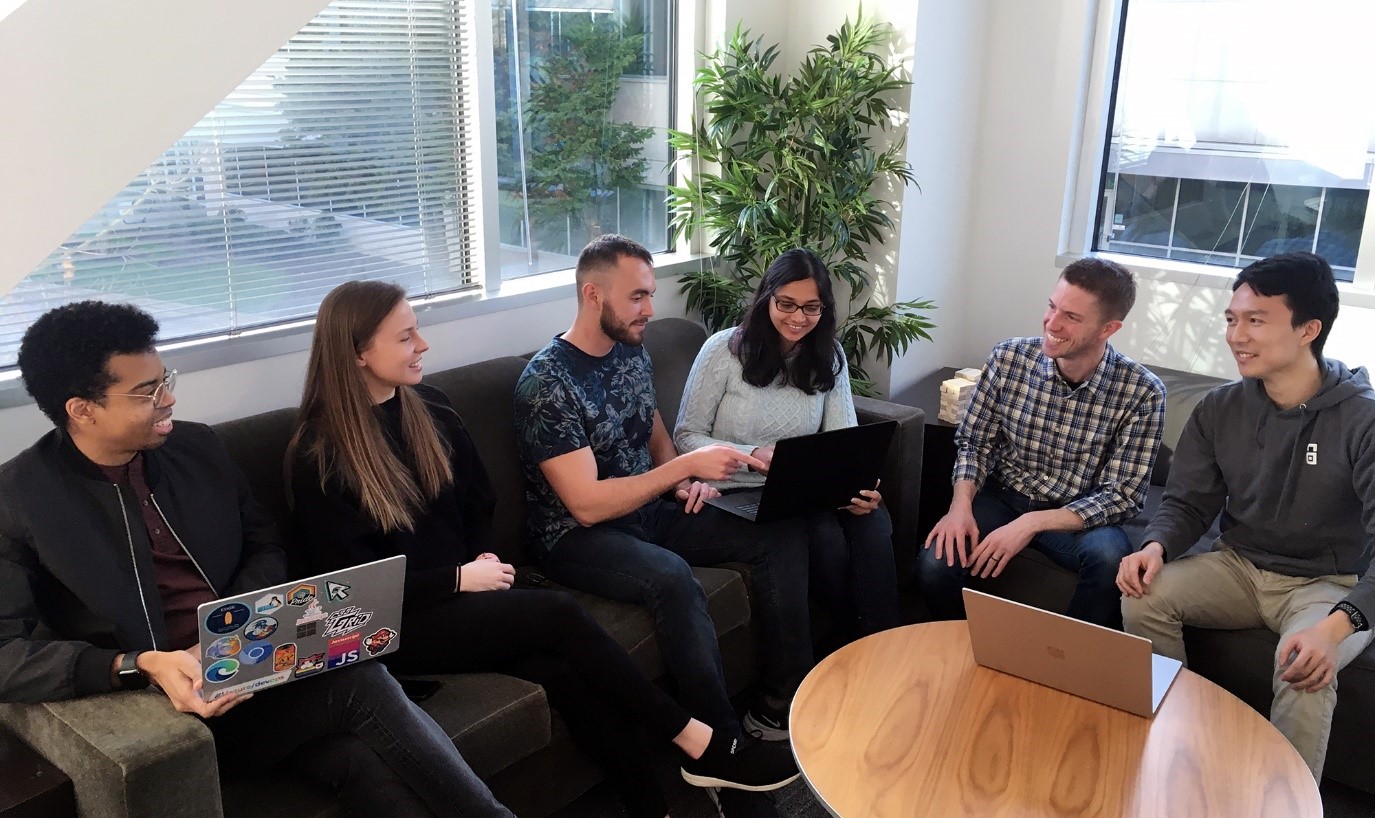
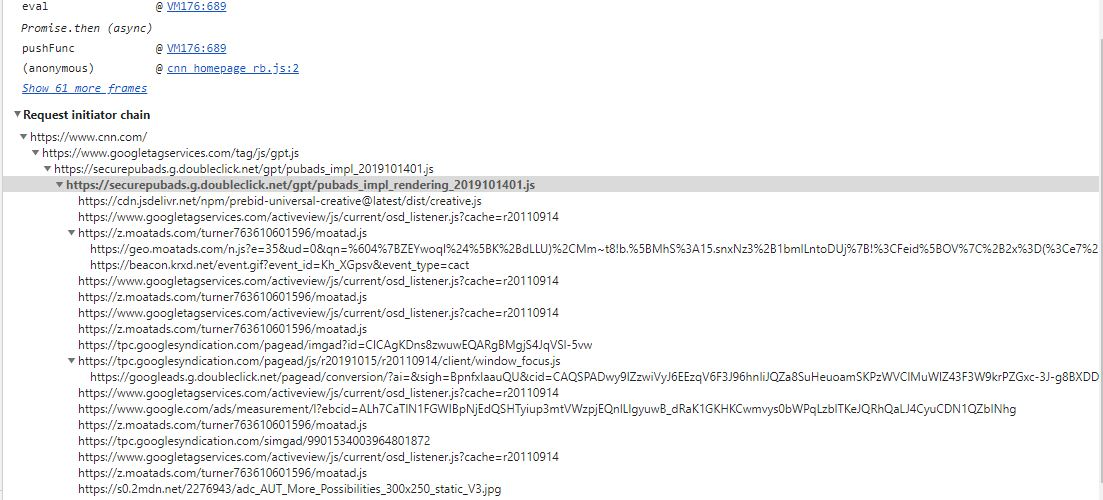
Developers who use DevTools via the keyboard or with screen readers like NVDA and Narrator should find great improvements in navigating between tabs and viewing detailed information within panes. Our accessibility improvements, informed by W3C’s Web Content Accessibility Guidelines (WCAG), extend beyond essential tab and pane navigation. Complex features like breakpoints and performance details are now accessible, too.
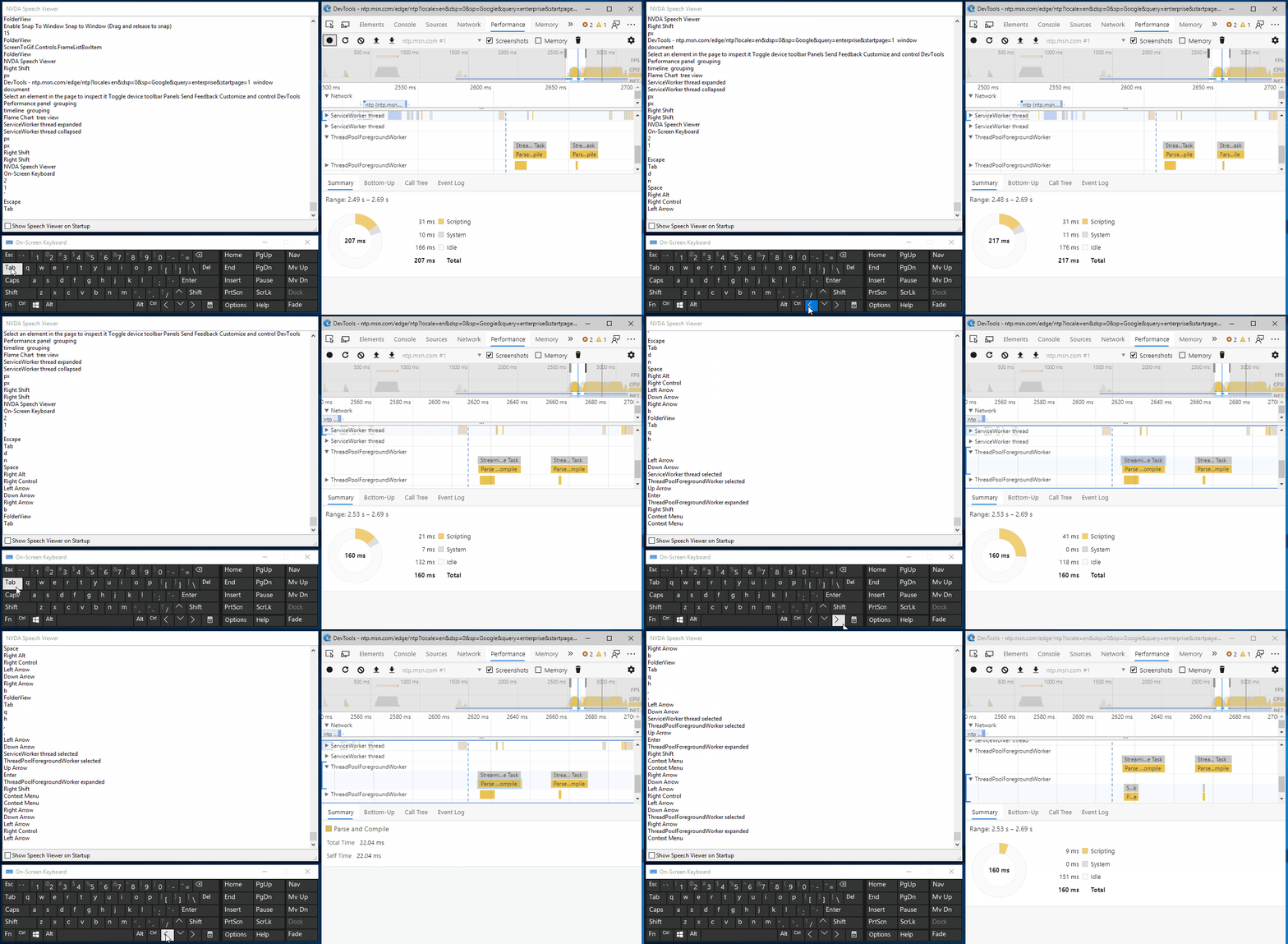
In some cases, tools were even reimagined or built from scratch. For example, the new Initiator tab makes stack traces accessible by moving them out of a hover element and into their own tab. The stack traces are now in a format that is more compatible with AT.
We’ve also improved color contrast ratios in the UI of DevTools and ensured that data charts and other information can be visualized in ways other than by color alone.
These DevTools accessibility features and more are all available in the new Microsoft Edge browser for Windows 10, Mac OS X, and legacy Windows (7/8/8.1). But you’ll also find them in Chrome and other Chromium-based browsers, too! With the support of the Google Chrome team and the Chromium community, we’ve committed over 150 changes back into Chromium on DevTools accessibility features alone. We’re proud to share this accessibility work to help improve the experience for millions of developers on Microsoft Edge and other Chromium-based browsers.
And our work isn’t done—we continue to work toward additional features such as:
- Support for high-contrast mode for DevTools,
- Tooling to simulate high-contrast on websites being debugged in DevTools, allowing developers on both Windows and Mac platforms to test high-contrast layouts, and
- Making sure our DevTools meet the accessibility recommendations outlined in the new WCAG 2.1 standards.
For more information about accessibility in DevTools, refer to our online documentation for navigating Microsoft Edge DevTools with assistive technology.
The stable version of Microsoft Edge featuring these accessibility improvements is available for download. Give it a try and let us know what you think!
– Rachel Simone Weil, Program Manager, Microsoft Edge DevTools