

- Sideloading. Provides the most flexibility, as it only requires Visual Studio and a developer account.
- Windows Store for Business. Provides a private store for enterprise apps that is specific to your organization and is the more robust mechanism for internal distribution.
Share packages for sideloading
Sideloading packages is an effective way to rapidly manage deployment of an app to a small number of users. This is typically done during initial development of the app. It requires the users to get the package and sideload it to their devices.
To take advantage of sideloading, you create a package in Visual Studio, then share the physical package with your users on a thumb drive or fileshare. Only users who have put their Windows 10 devices in developer mode can sideload the app.
Note: The process is slightly more complicated for older operating systems but is also supported.
Distribute apps to employees using Windows Store for Business
If you are looking to deploy apps to members of an organization running Windows 10, the Windows Store for Business is an effective way to manage the creation and distribution of apps to these users.
The organization must first sign up for the Windows Store for Business and set up an association with your developer account. You then submit a package in Dev Center as a line-of-business app for the organization’s exclusive use. The IT manager in the organization distributes the packages internally via the organization’s private store.
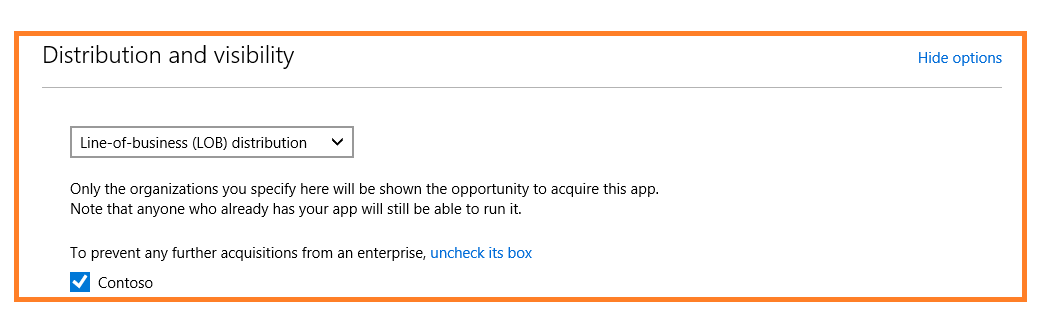
As the packages for your line-of-business app don’t go to the public Windows Store, there are no public-facing listing pages, which preserves the confidentiality of the app. Note that package flighting and the other options described in this blog series cannot be used with line-of-business apps.