

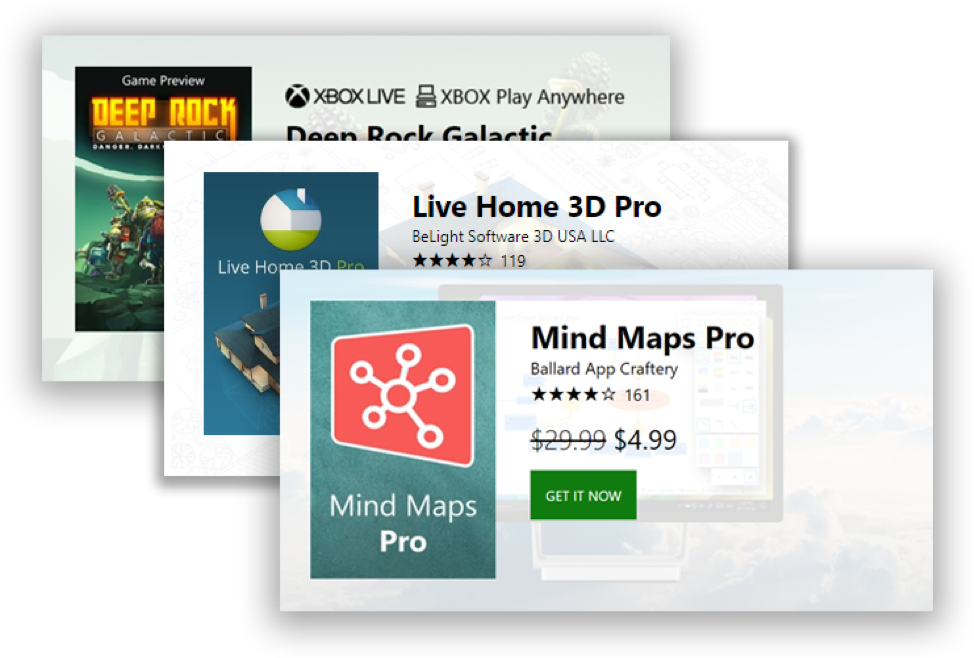
As many of you know, building quality apps is quite a commitment and investment in time. Once your app is in the Store, the next challenge is getting the word out about your new title and driving traffic to your product. Today, we’d like to announce a new tool for marketing your apps in your own blogs and websites. We’d like to introduce our new web badge for Microsoft Store products.
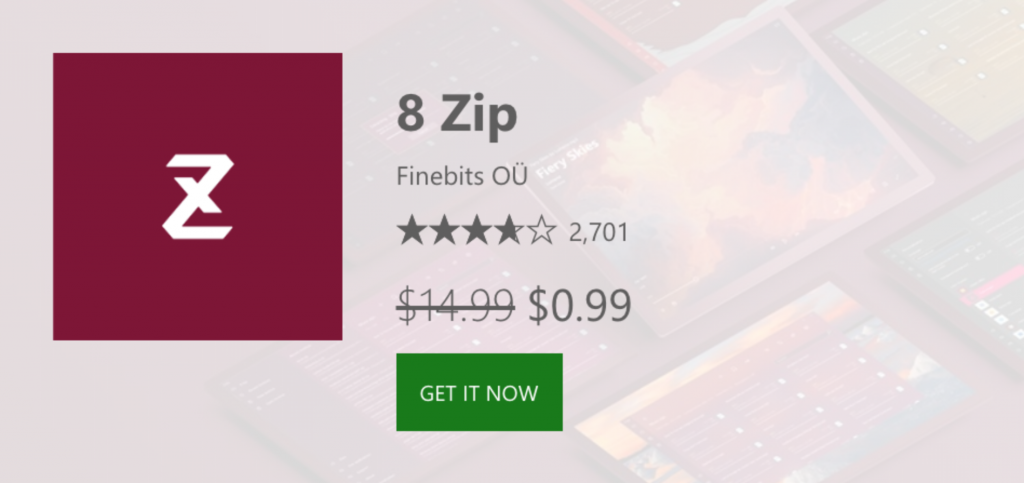
The new badge will render in your own website pulling localized logo, pricing (including sale pricing!), ratings and artwork directly from the store catalog. To render this badge for 8 Zip simply embed this script using its Store Id (9wzdncrfhwb8). Please note you must add the Id in two places in the badge script, the “class=” and inside the “mspb-“.
[code lang=”xml”]
<div id="mspb-nc9jl2ngc1i" class="9wzdncrfhwb8"></div>
<script src="https://storebadge.azureedge.net/src/badge-1.6.1.js"></script>
<script>
mspb(‘9wzdncrfhwb8’, function(badge) {
document.getElementById(‘mspb-nc9jl2ngc1i’).innerHTML = badge;
});
</script>
[/code]
The button click on the badge will direct your customers to the proper Product Description Page where they make the actual purchase. You can add multiple badges to any single page, just make sure they all use a unique div Id, as shown above.
To see the badge in action, check out XBOX’s @majornelson (www.majornelson.com) who is using the badge to promote Xbox content on his blog.
Example post here: https://majornelson.com/2018/05/03/xbox-live-gold-members-play-for-honor-xcom-2-and-just-cause-3-for-free-this-weekend/.
That’s it! Feel free to promote your apps and games on your own sites.