

Some experiences just ooze luxury. Strapping an Audemars Piguet to your wrist. Slipping on a Brioni Suit. Driving a Lamborghini. If you’re a gadget lover, you need to add “using a Sony VAIO Z” to that list.
For those unfamiliar with the Sony VAIO Z, it’s Sony’s 13” top-of-the-line laptop. Packed with just about every high-end feature you can imagine, the Z is one of the finest premium laptops I’ve had the chance to use. I got a black model in last week, just in time to accompany me to the hospital for the birth of my son Evan, and I have been using it non-stop ever since.
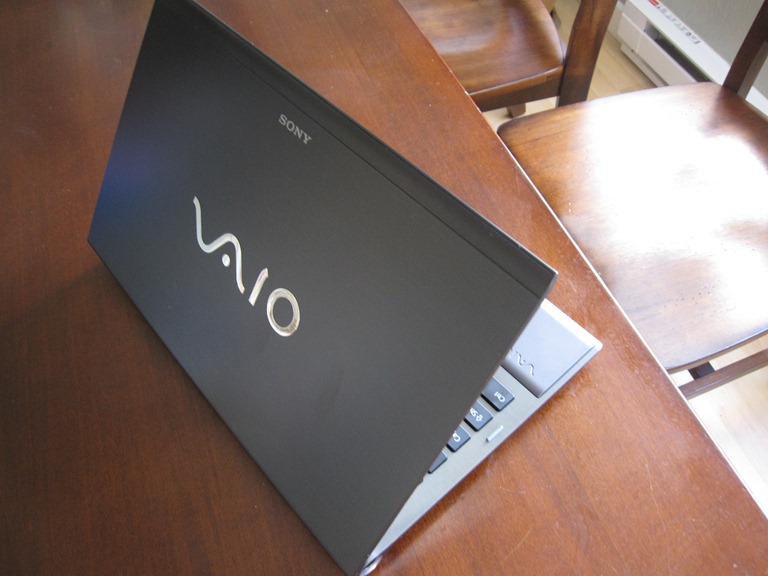
Building a Z is a gadget junkie’s playground. My Z has an Intel Core i5-540 processor (configurable with i7), 6GB of memory (it’s available with up to 8), an ultra-fast 256GB SSD (the Windows Experience Index for the drive is 7.7…and the scale only goes to 7.9. And did I mention you can get two of them if you need the space?), and fast switchable graphics that automatically toggles between Intel HD Integrated Graphics and wicked powerful NVIDIA® GeForce® GT 330M graphics. Switching between the two modes is near-instant and produces only a half-second of screen flickering. Speaking of screens, the VAIO Z’s screen is a sight to behold – unlike most 13” laptops which use a 1366 x 768 display, the VAIO Z has an amazing 1600 x 900 screen. That’s better resolution than many 15” premium laptops, and is good enough to watch HD movies in full widescreen glory. That’s handy as the engineering wizards at Sony somehow managed to wedge a Blu-Ray player into the Z as well! There’s also a VGA and HDMI out, so you can connect the Z to just about any modern monitor or TV out there.
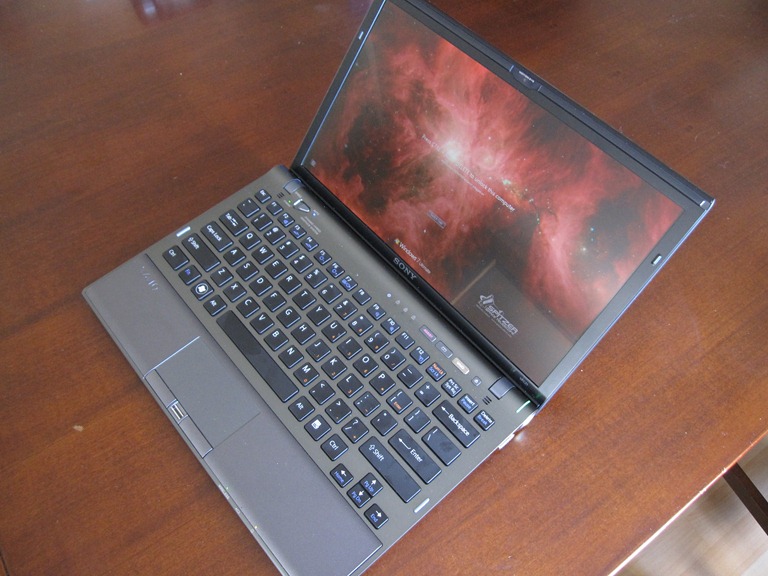
Just like settling in behind the driver’s seat of a luxury car, opening up the Sony Z and going to work just feels good. It’s an elegant blend of machined aluminum (or carbon fiber, if you go that route) and polycarbonate with a spacious, quiet island-style backlit keyboard and responsive multi-touch trackpad that supports two-finger scrolling and clicking. Carrying the Z around has been a breeze as the machine clocks in at just a hair over 3lbs, and I got about 6 hours of battery life (on integrated graphics) out of it when I was using it in the hospital to upload photos of the little guy in the hours after his birth.

As a mobile PC, its blend of power, features and battery life are hard to beat. I should note that many of the Sony Z’s impressive specs, like the Blu-Ray player, optional carbon fiber trim and the 1600 x 900 screen, aren’t available on any 13” Mac.
If you’re in the market for a premium laptop, the Sony VAIO Z needs to be on your list. You won’t be disappointed.