

Ten Windows 10 PCs that unlock Windows Hello
Today, we’re rounding up ten Windows 10 PCs from our partners across a variety of price points and form factors that unlock Windows Hello*.

Windows Hello is multi-factor authentication that works natively with a PIN, integrated biometric sensor or an accessory. You can simply sign in with a look, touch or your PIN number – in less than two seconds** – and get enterprise-grade security without having to type in a password
With this great feature, we thought it would be helpful to round up a list of Windows 10 PCs from our partners that unlock Windows Hello with built-in facial recognition cameras or fingerprint readers. The devices we’re highlighting range across form factors and price points, and are all available in a variety of markets to purchase today.
Let’s jump right into the devices:
These devices use facial recognition with the built-in camera to log you in with Windows Hello:
Acer Switch Alpha 12 – $599
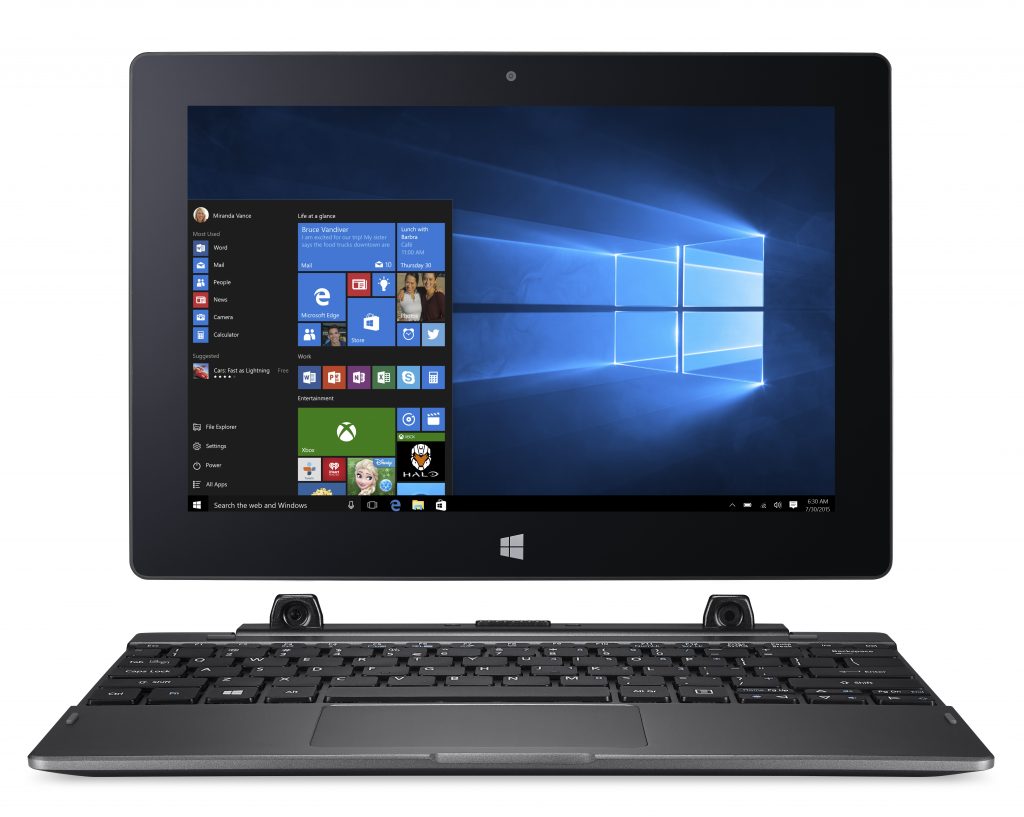
Dell Inspiron 13 5000 2-in-1 – $499
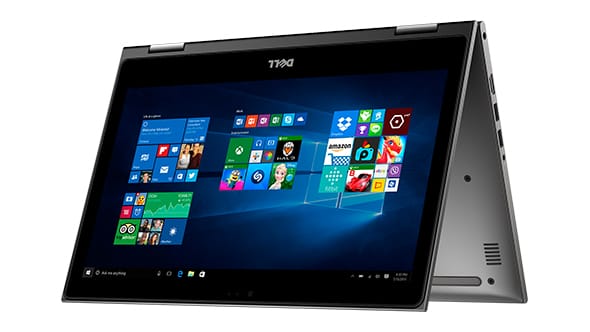
Dell XPS 13 9365 2-in-1 – $999
https://www.youtube.com/watch?v=ThxhbCm-OjA
HP ENVY Curve AIO 34 – $1,499
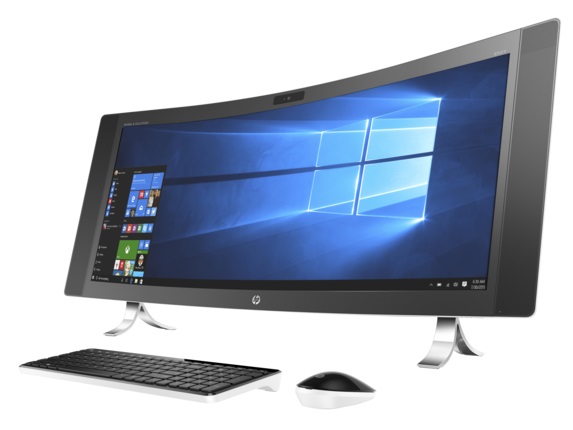
HP Spectre x360 – $749.99
https://www.youtube.com/watch?v=pNKqHSeV38g
These Windows 10 devices let you sign in with a swipe using the built-in fingerprint reader:
ASUS Transformer Mini T102HA – $349
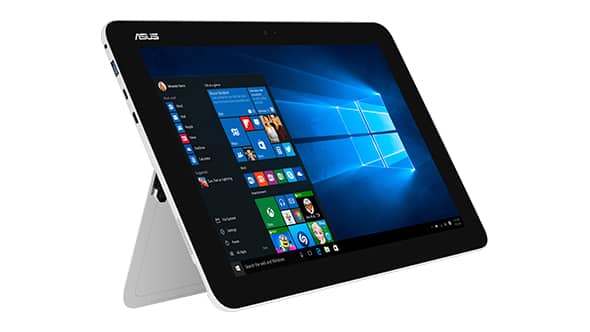
ASUS ZenBook Flip UX360 – $499
https://www.youtube.com/watch?v=oAxPpqH4Hh4
Lenovo Miix 720 – $999.99
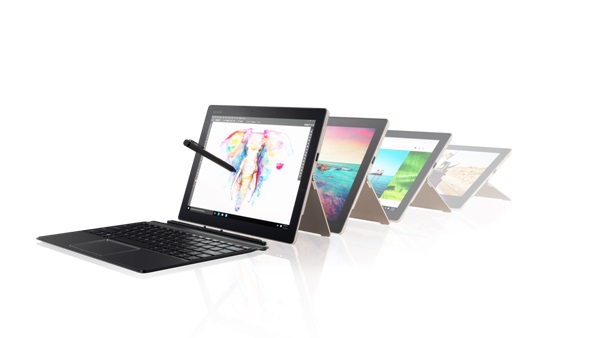
Samsung Notebook 9 – $999
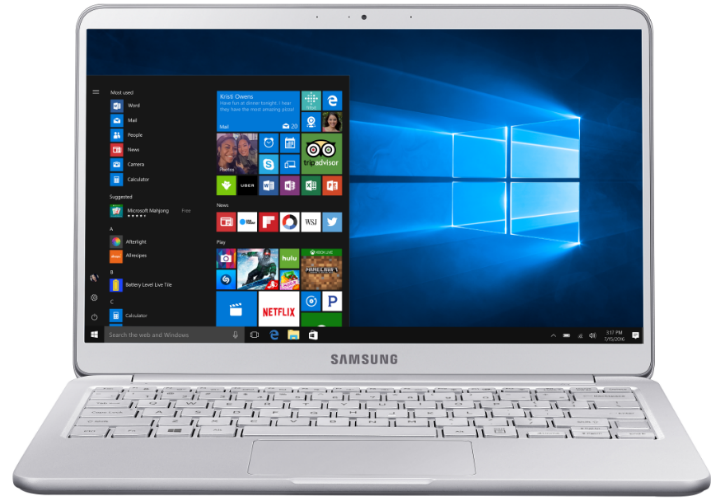
Lenovo Yoga 910 – $1,999
https://www.youtube.com/watch?v=Vg6m110tetI
Once you’ve picked up your new Windows 10 PC, you can learn how to get started with Windows Hello in our Windows 10 Tip all about setting up Windows Hello. You can also learn how to set up multiple profiles with Windows Hello on one device. The multiple profiles feature is great for families who share a device. To see a full list of even more Windows 10 PCs built for Windows Hello, visit this link.
*Windows Hello biometrics sign-in requires specialized hardware including a Windows Hello capable device, fingerprint reader, illuminated IR sensor or other biometric sensors.
**Based on average time comparison between typing a password respectively, detecting a face or fingerprint to authentication success.