Skip to main content Skip to main content Windows Experience Devices Windows Developer Microsoft Edge Windows Insider Microsoft 365 Microsoft 365 Azure Copilot Windows Surface Xbox Deals Small Business Support Windows Apps Outlook OneDrive Microsoft Teams OneNote Microsoft Edge Moving from Skype to Teams Computers Shop Xbox Accessories VR & mixed reality Certified Refurbished Trade-in for cash Xbox Game Pass Ultimate PC Game Pass Xbox games PC games Microsoft AI Microsoft Security Dynamics 365 Microsoft 365 for business Microsoft Power Platform Windows 365 Small Business Digital Sovereignty Azure Microsoft Developer Microsoft Learn Support for AI marketplace apps Microsoft Tech Community Microsoft Marketplace Software companies Visual Studio Microsoft Rewards Free downloads & security Education Gift cards Licensing Unlocked stories View Sitemap

Make a delicious brunch this weekend with Yummly for Windows 10

Written By published June 3, 2016


Making that killer brunch at home has never been easier! The Yummly app for Windows 10 is here to help you answer “What’s for brunch?” (or lunch, or dinner…) by putting more than a million recipes in the palm of your hand and on your desktop, all personalized to you.  Whether your preference is savory or sweet, the Yummly app has something for everyone and the recipes can be filtered by a variety of factors like holiday, cuisine, taste, diet, nutrition, allergy, cook time, technique, and more. Did I mention that Yummly is the smartest and most personalized app for food? The more you use it – the better suggestions you get, all tailored to you!

As the head of mobile here at Yummly (and quite the brunch connoisseur), I spent several months perfecting our app for the best brunch experience and delight even the pickiest eaters. The new update of Yummly for Windows 10 PCs, tablets and phones comes packed with features that will inspire you to create a master-chef brunch at home like:
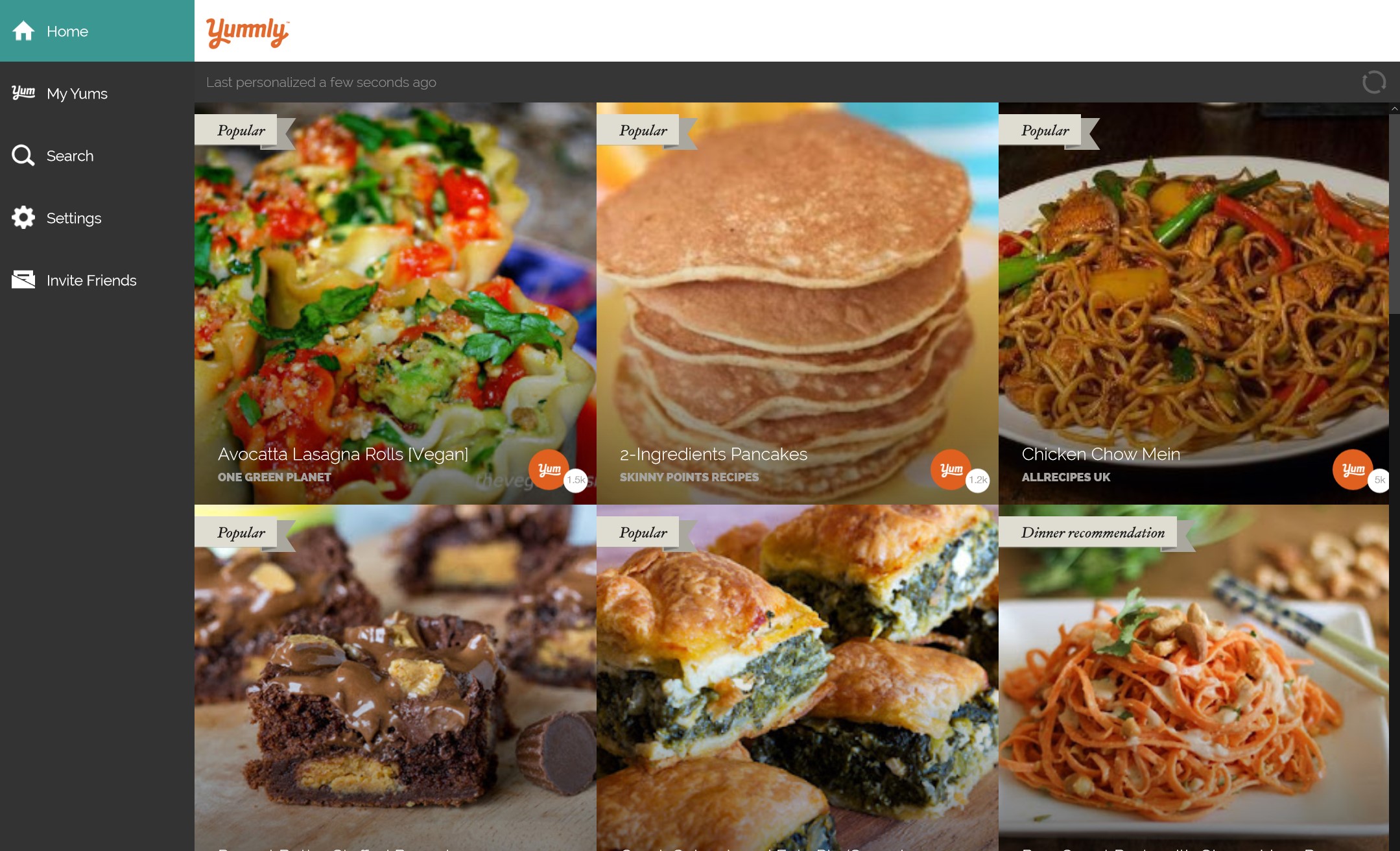
Yummly for Windows 10
  • Live tile updates on the Start menu. When you pin the Yummly app to your Start menu, the Live Tile will display a recipe that is the most relevant to you. So if you are looking on a Saturday or Sunday morning you will get tons of amazing brunch recipe recommendations- a feast for your eyes.
  • Cortana commands: Need to find a recipe fast? Just say, “Hey Cortana, find brunch recipes without eggs on Yummly” or “Hey Cortana, find pescatarian appetizers without peanuts” and instantly get recipes that are tailored to you.
  • Sharing Integration: With a quick click of a button you can send a recipe to anyone via email or post it to your favorite social sites like Facebook or Twitter.
  • Drag & Drop: Simply drag a recipe and drop it into Word or email and it instantly pulls the recipe title, source, ingredients and directions- perfect for making a personalized cookbook or printing out your favorite brunch recipe!
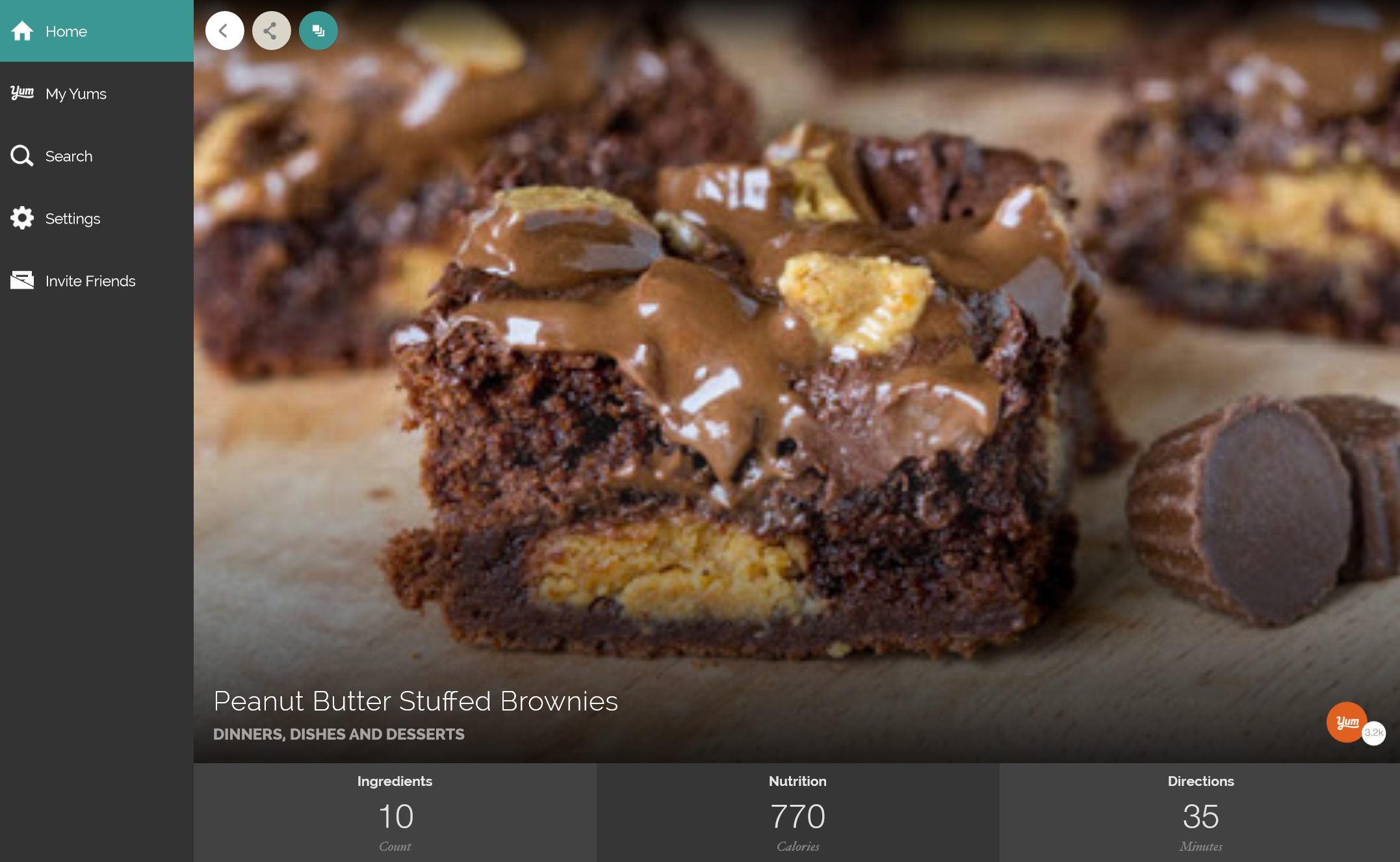
Yummly for Windows 10

The Yummly app for Windows 10 is available to download for free in the Windows Store today for Windows 10 PCs, phones and tablets. And because brunch is my favorite meal of Sunday I wanted to leave you with some of the most popular brunch recipes on Yummly. Happy cooking!

Your Privacy Choices Opt-Out Icon Your Privacy Choices
Consumer Health Privacy Sitemap Contact Microsoft Privacy Manage cookies Terms of use Trademarks Safety & eco Recycling About our ads