

Many of us shoot videos with our smartphones. I have friends and family that take a ton of videos of their kids doing various activities – from taking their first steps to playing baseball. I’m constantly taking videos of my puppy Kilo doing funny things like snoring really loudly. We all want an easy way to share these videos. With Windows 8.1, we introduced an app called Movie Moments that lets you take videos you’ve taken and edit them down into a shareable 60-second clip that captures a memorable moment with captions and music. Today, we’re bringing Movie Moments to Windows Phone 8.1! If you are trying out Windows Phone 8.1 as part of the Windows Phone Preview for Developers, download Movie Moments from the Windows Phone Store and give it a try.

With Movie Moments on Windows Phone 8.1, you can shoot a video and in 4 steps edit that video down to a clip that captures a specific moment that can easily be shared out to Facebook or to OneDrive.
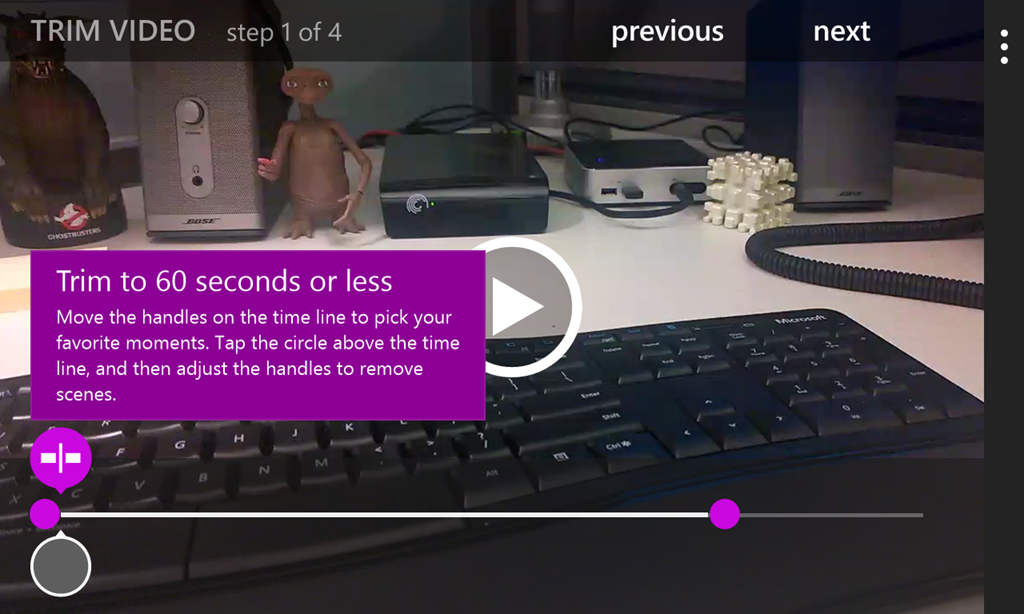
The first step in editing a video is to trim the video down to the clip you want.

The second step is adding captions to that clip.
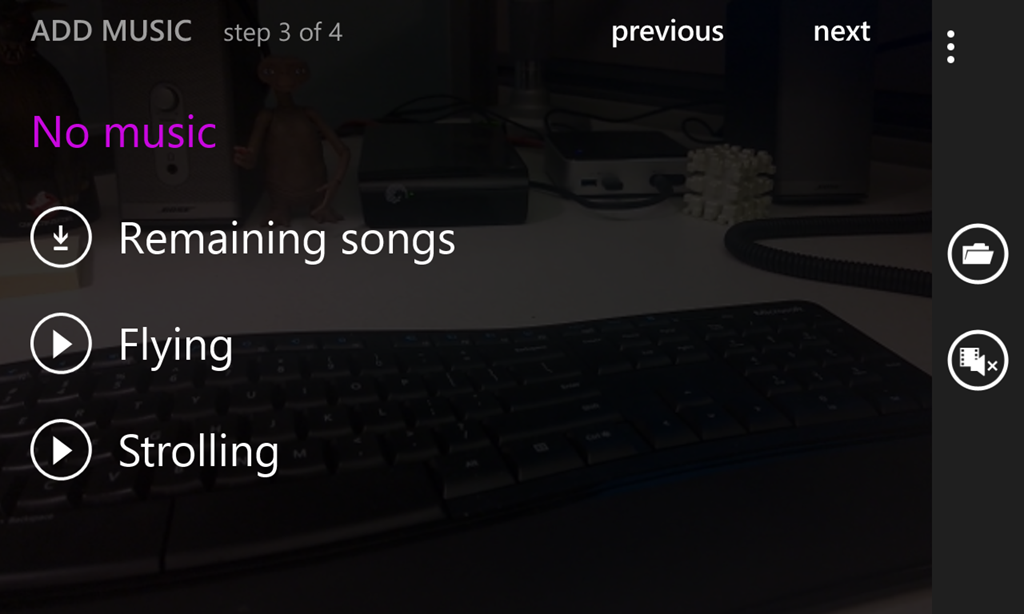
The third step is to add music (you can download some music recommended by Movie Moments or pick your own music on your device).

And finally, with the fourth step you save the clip to your phone and then choose to share it out for everyone to see!
That’s it! It’s super easy. Give it a try! For more on Movie Moments in Windows 8.1, see this blog post.