TuneIn Radio is here for Windows 10
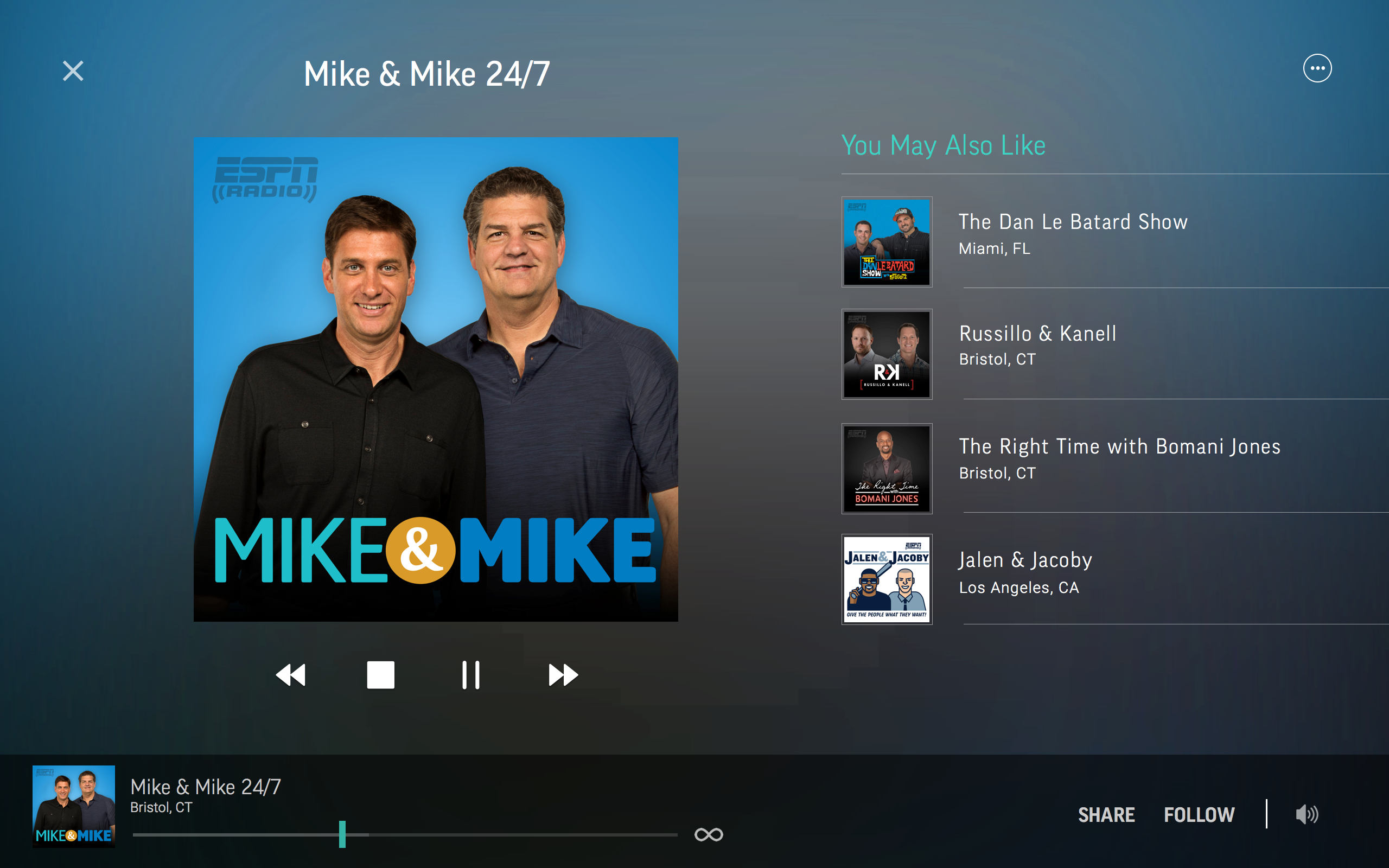
Now Playing screen in the TuneIn Radio app for Windows 10
TuneIn Radio’s app lets you enjoy more than 100,000 stations worldwide – featuring music, sports, talk radio, news, and top podcasts, too. There’s enough entertainment for everyone, and now it’s been readied for Windows 10, with an adaptive, responsive layout that is familiar and easy-to-use. You can personalize your experience by following your favorite stations as you explore the app, and access them anytime from the ‘My Profile’ tab. Your Feed will display what’s currently playing on your favorite stations at any given time.
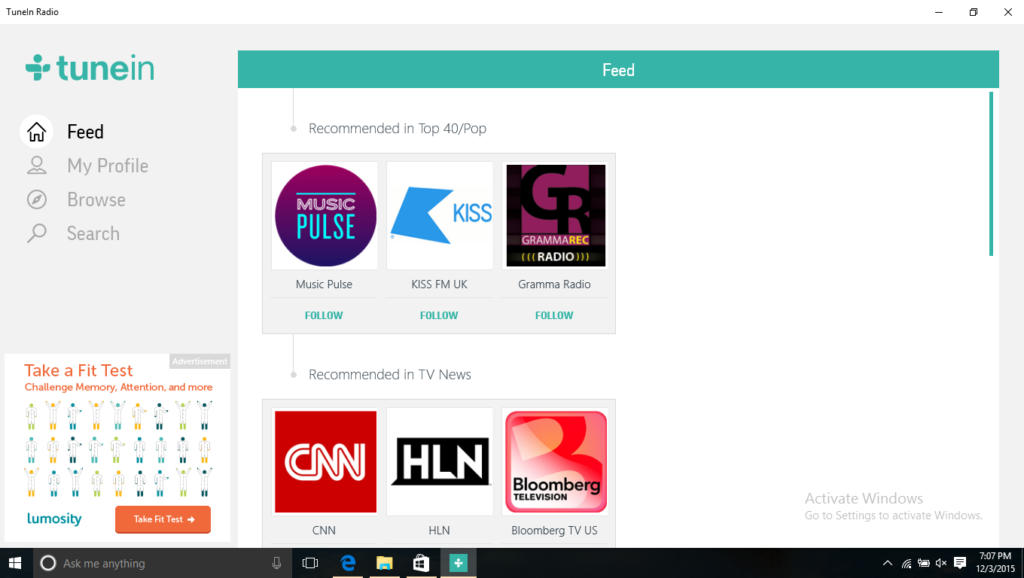
TuneIn Radio for Windows 10 Feed Screen
Cortana integration allows you to launch the app with your voice, simply say, “Cortana, launch TuneIn.” And the app will open up and take you to the Feed screen.
There’s also Live Tile support, you can pin the TuneIn Radio app to your Start menu, even your favorite radio station. This allows you to easily access your favorite audio content at any time.
Wherever you are in the world, TuneIn Radio lets you discover new stations to love. TuneIn Radio for Windows 10 is available to download for free from the Windows Store for Windows PCs and Tablets, the mobile version will be coming soon and we’ll be sure to let you know when it becomes available. You can read more about this exciting news on The TuneIn Blog.