Skip to main content Skip to main content Windows Experience Devices Windows Developer Microsoft Edge Windows Insider Microsoft 365 Microsoft 365 Azure Copilot Windows Surface Xbox Deals Small Business Support Windows Apps Outlook OneDrive Microsoft Teams OneNote Microsoft Edge Moving from Skype to Teams Computers Shop Xbox Accessories VR & mixed reality Certified Refurbished Trade-in for cash Xbox Game Pass Ultimate PC Game Pass Xbox games PC games Microsoft AI Microsoft Security Dynamics 365 Microsoft 365 for business Microsoft Power Platform Windows 365 Small Business Digital Sovereignty Azure Microsoft Developer Microsoft Learn Support for AI marketplace apps Microsoft Tech Community Microsoft Marketplace Software companies Visual Studio Microsoft Rewards Free downloads & security Education Gift cards Licensing Unlocked stories View Sitemap
PC
September 25, 2017

Windows 10 Tip: Work better together with Microsoft Excel


Did you know Microsoft Excel can now help you work together better than ever before?

Excel recently got an update with more ways to collaborate with other people, to make group projects for school or co-authoring reports in the office even easier.
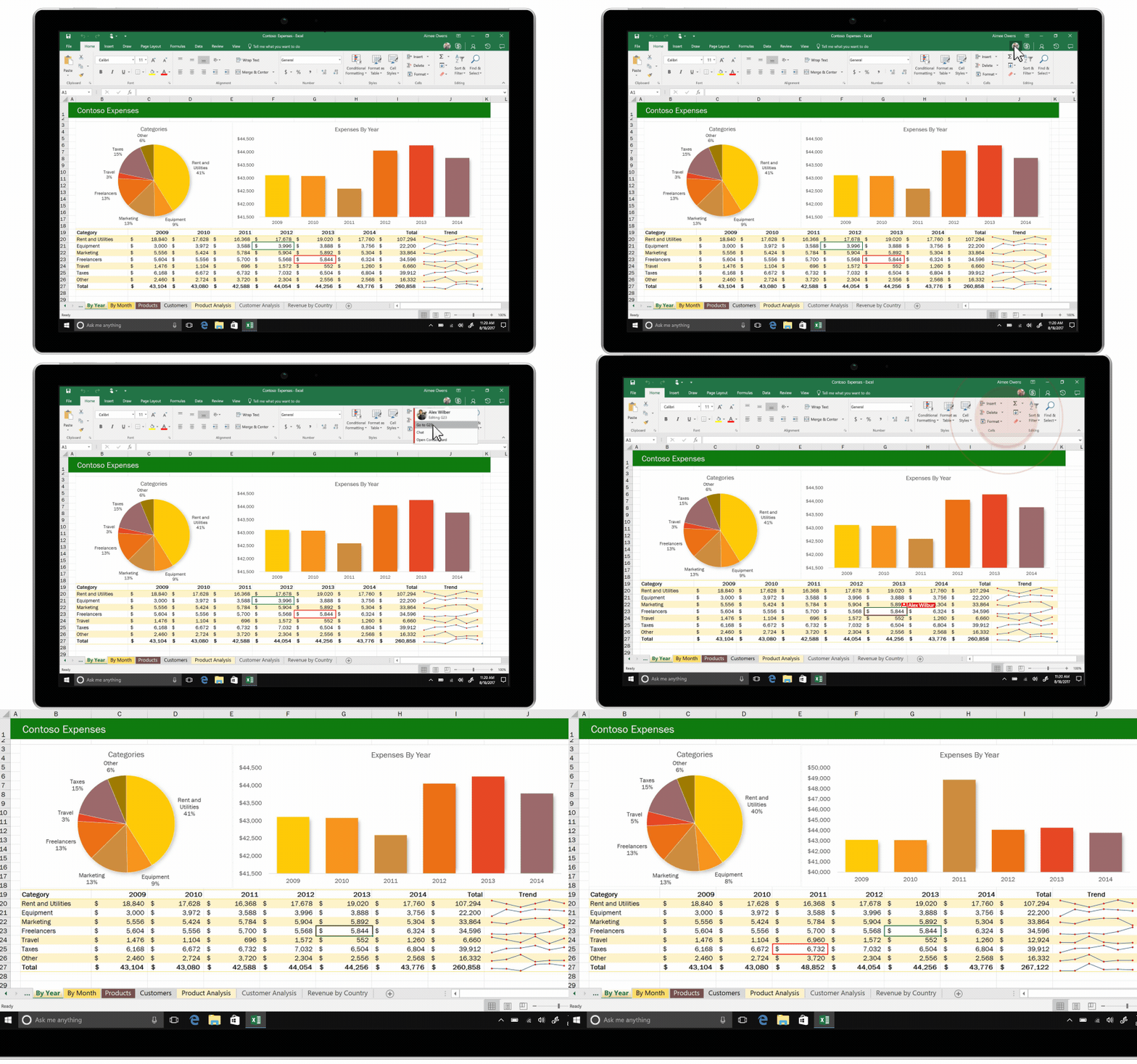
Excel

If you’re working on a spreadsheet, you can now see where others are editing in the same workbook. Simply click on one of the profiles above the tool bar to see that person’s latest changes in real time!

In case you missed it, check out our tips for using Word, PowerPoint and OneNote:

Windows 10 Tip: Five ways to personalize notifications on your PC

Windows 10 Tip: Three ways to get started with OneNote

Windows 10 Tip: See your 3D creations take life in Remix 3D

Have a great week!

Your Privacy Choices Opt-Out Icon Your Privacy Choices
Consumer Health Privacy Sitemap Contact Microsoft Privacy Manage cookies Terms of use Trademarks Safety & eco Recycling About our ads